
Name-first layout
3 x 2 Name Place Card Template
Download a clean 3 x 2 inch name place card template for weddings, dinners, registration desks, and card holders. Includes Word setup and printing guidance.
PDF download. No Word file or account is required.
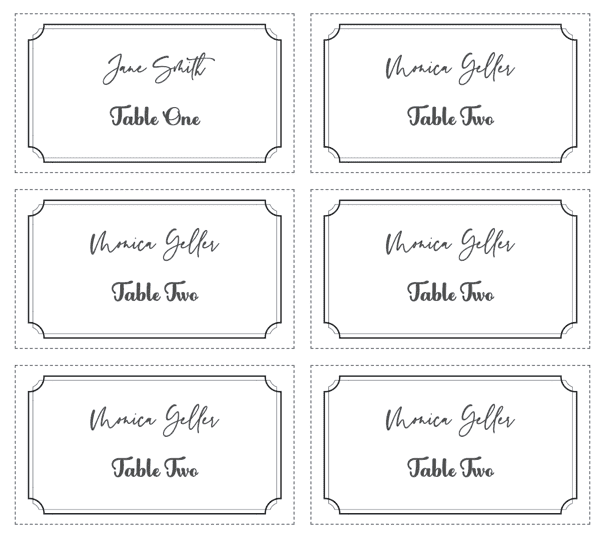
- Finished size
- 3 x 2 in
- Card style
- Flat card
- Sheet layout
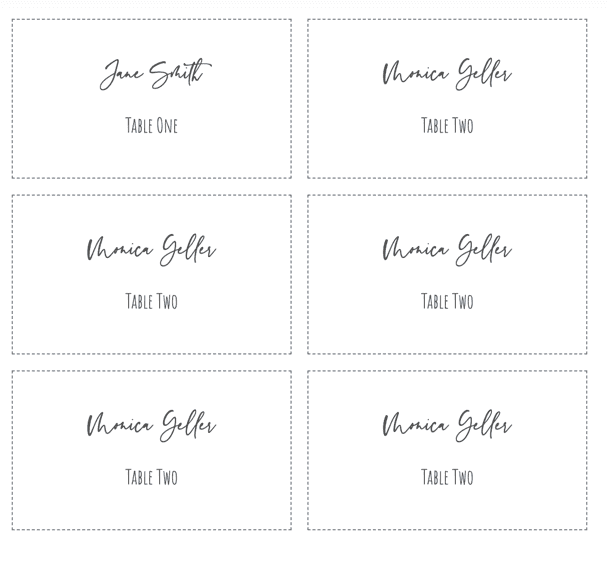
- 6 cards
- Paper
- US Letter, landscape
Template overview
What this printable template is designed to do
This compact template gives the guest name priority. The horizontal 3 x 2 inch format fits standard card holders and leaves enough width for most full names without taking over a place setting.
Use the blank PDF for handwriting or as an exact-size print reference. When every card needs a different typed name, the matching online design can turn a spreadsheet list into one print-ready PDF.
Recommended uses
When to choose this place card layout
Wedding place settings
A name-first layout keeps the table presentation quiet and makes assigned seats easy to find.
Card holders
The flat 3 x 2 format works in many small metal, acrylic, and wood holders.
Registration tables
Use the same size for attendee names, reserved seating, or check-in labels.
Food and buffet labels
Replace the guest name with a short dish name while retaining the readable landscape shape.
Size the typography for the longest guest name
Choose the longest or widest name in the list before settling on a font size. A style that looks balanced for a short sample name may overflow when a double surname is added later.
Keep the name centered with clear space around the cut line. If a title, table number, or role is needed, set it smaller and place it below the name rather than reducing every name to make room.
Set up the same size in Microsoft Word
In Word, use a landscape Letter document and fixed table cells measuring 3 inches wide by 2 inches high. Center the paragraph horizontally and vertically, turn off automatic resizing, and verify the internal cell margins.
Type a few representative names before duplicating the finished style. For lists that already live in Excel, either use Word mail merge or import the rows into the online maker to avoid manual copy and paste.
Print the template at the correct size
PDF preserves the sheet geometry, but the print dialog can still resize it. Use this sequence before committing final cardstock.
- Step 1
Choose suitable stock
Use 80 to 100 lb cardstock when the printer supports it, or print through a copy shop.
- Step 2
Disable scaling
Print the PDF at 100% or Actual Size so each card remains exactly 3 x 2 inches.
- Step 3
Measure a test card
Print on ordinary paper first and check both dimensions with a ruler.
- Step 4
Cut with a trimmer
Align the cut marks carefully and keep one spare sheet for late guest changes.
Questions about this template
Is this a flat or folded place card?
It is a flat 3 x 2 inch card. Put it in a holder or lay it directly on the place setting.
How many 3 x 2 cards fit on one sheet?
This download places six cards on one landscape US Letter sheet with printable margins.
Can I type names in Microsoft Word?
Yes. Build fixed 3 x 2 inch table cells in Word and disable AutoFit, or use the online editor to generate a larger guest list.

Personalize every guest name from a spreadsheet
Use the matching design, import Excel, CSV, or Google Sheets, and export the complete set as one print-ready PDF.
← Browse all place card templates