
Minimal wedding template
2 x 3 Place Card Template
Download a minimalist 2 x 3 place card template and understand when 2 x 3 and 3 x 2 refer to the same card in a different orientation.
PDF download. No Word file or account is required.

- Finished size
- 3 x 2 in, horizontal
- Card style
- Flat card
- Sheet layout
- 6 cards
- Paper
- US Letter, landscape
Template overview
What this printable template is designed to do
The phrases 2 x 3 and 3 x 2 usually describe the same rectangle with the dimensions written in a different order. For place cards, the useful orientation is normally 3 inches wide by 2 inches high because a horizontal card gives names more room.
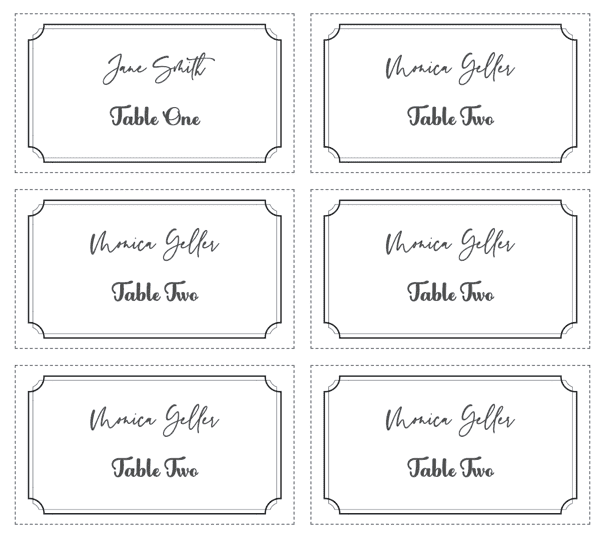
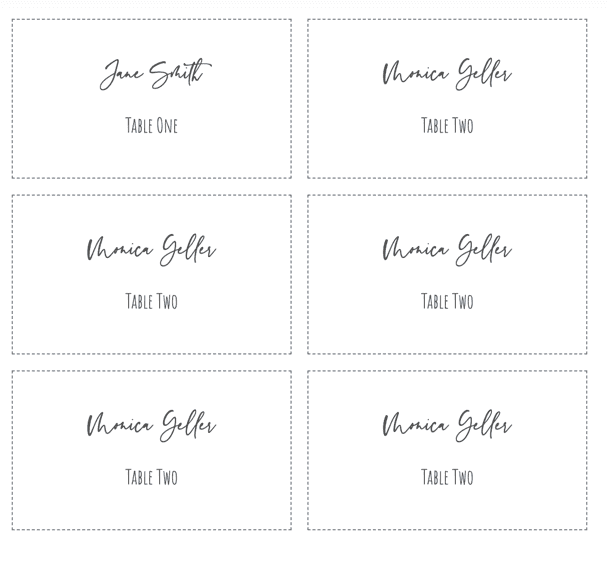
This restored minimalist design is intended for flat cards rather than folded tent cards. Download the exact-size PDF for a blank printable grid, or open the matching design to add guest names before export.
Recommended uses
When to choose this place card layout
Minimal wedding tables
The compact shape supports simple typography and restrained borders without crowding the setting.
Horizontal name cards
Use the 3-inch edge as the width for better name readability.
Small table accessories
The card fits beside menus, favors, or napkin arrangements where space is limited.
Labels and badges
Rotate the same rectangle vertically when a 2-inch-wide by 3-inch-high format is required.
Choose the orientation before creating the layout
Write dimensions as width by height in the software you are using. For the horizontal place card shown here, enter 3 inches for width and 2 inches for height even when the search phrase or product name says 2 x 3.
Avoid filling the entire card with text. One centered name and an optional smaller table line preserve the minimalist purpose of the design and make cutting tolerances less noticeable.
Set up the same size in Microsoft Word
Set Word to landscape Letter and create fixed table cells 3 inches wide by 2 inches high. Do not let Word AutoFit the table, because a long name can otherwise change the column width.
If you need a vertical 2 x 3 label, swap the width and height and confirm that the printer or holder accepts that orientation. Always compare the test print with a ruler before cutting cardstock.
Print the template at the correct size
PDF preserves the sheet geometry, but the print dialog can still resize it. Use this sequence before committing final cardstock.
- Step 1
Confirm orientation
Use 3 inches wide by 2 inches high for the horizontal place-card version.
- Step 2
Print one Letter sheet
Select landscape paper and use Actual Size or 100% scaling.
- Step 3
Measure before cardstock
Verify the full 3 x 2 inch rectangle on a plain-paper test.
- Step 4
Cut on the outer lines
Use a ruler and craft knife or a paper trimmer for square corners.
Questions about this template
Are 2 x 3 and 3 x 2 place cards the same size?
They describe the same rectangle. The order indicates orientation: this place card is 3 inches wide and 2 inches high.
Is this template foldable?
No. It is a flat card. Use a tent-card template when the finished card needs to stand without a holder.
What print setting keeps the dimensions correct?
Choose Actual Size or 100% and disable Fit, Shrink, or Scale to Page.
Related templates
Compare another printable layout
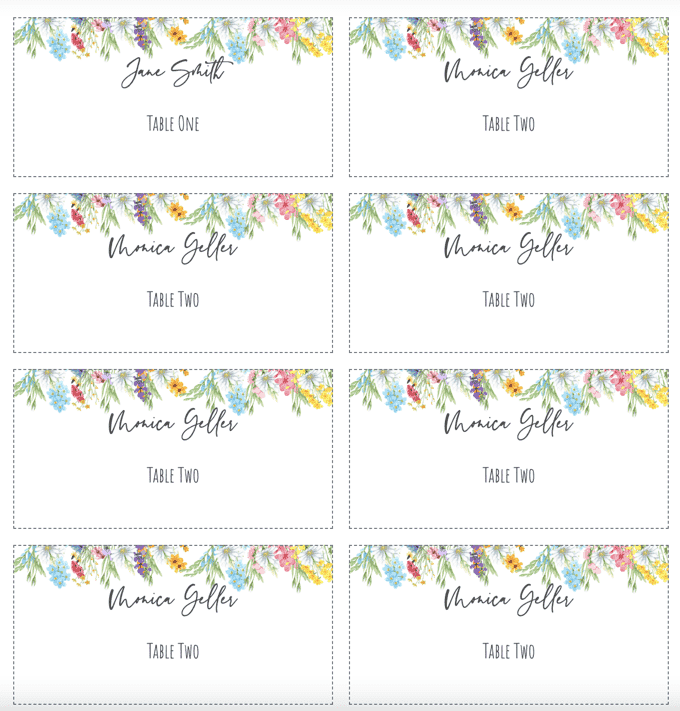
Personalize every guest name from a spreadsheet
Use the matching design, import Excel, CSV, or Google Sheets, and export the complete set as one print-ready PDF.
← Browse all place card templates