
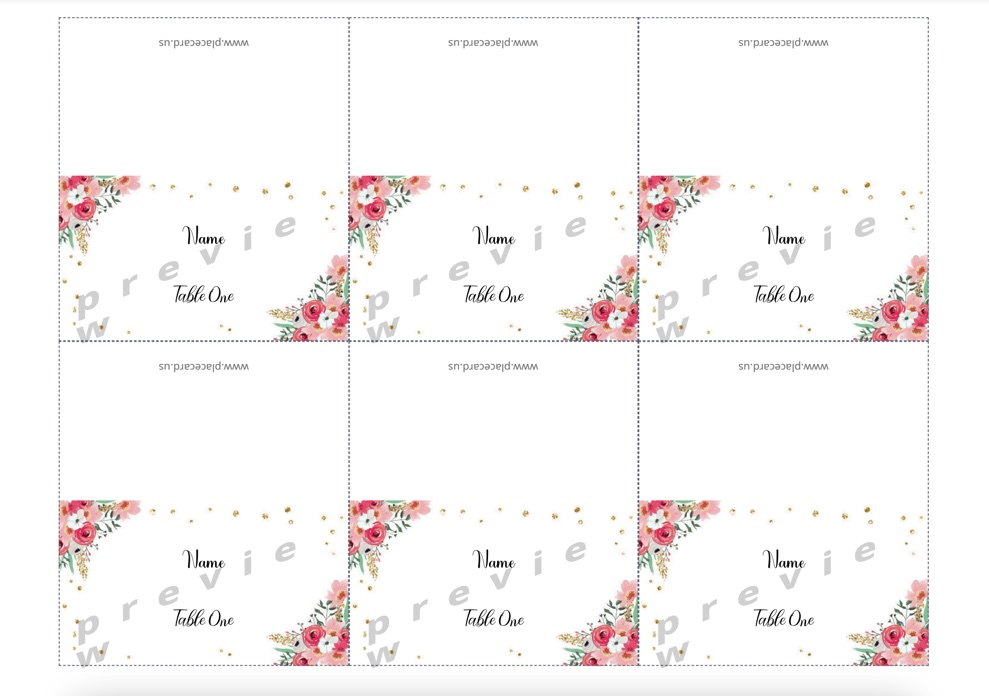
The "6 per sheet" format is one of the most practical sizes for printable place cards. Six cards fit on a standard letter-size sheet (8.5″ × 11″), each card measuring 3.5″ × 2″. That layout is widely used on printable card stock, so you can print a full guest list without manually placing every card one by one.
If you searched for 6 per sheet place cards, the short answer is: use a free place card template with a 3 × 2 layout on Letter paper, keep printing at 100% scale, and import your guest list so you can generate the full batch in one PDF instead of typing names one by one.
Here are 10 free templates, plus the print settings and spreadsheet workflow that matter most when you want a fast path from guest list to table-ready cards.
Quick Answer: What Does "6 Per Sheet" Mean?
6 per sheet means six finished place cards on one US Letter sheet. In the most common setup, each card is 3.5″ × 2″ and arranged in a 3 × 2 grid.
This format is best when you want:
- flat place cards for weddings, dinners, or corporate events
- efficient home printing on standard card stock
- a spreadsheet workflow that fills every card automatically
If you want a verified foldable tent-card stock instead, compare it with Avery 5302 place card templates.
6 Per Sheet vs Avery 5302
These two formats are often confused, but they are not the same print layout.
| Format | Typical finished card size | Cards per sheet | Best use |
|---|---|---|---|
| Generic 6 per sheet | 3.5″ × 2″ flat | 6 | Fast home printing, flat cards, printable 6-up stock |
| Avery 5302 | 3.5″ × 2″ folded | 4 | Verified tent cards, pre-scored Avery sheets |
Choose 6 per sheet when you want paper efficiency and a common flat-card layout. Choose Avery 5302 when you want a branded, foldable tent-card format with a verified sheet layout.
Open the place card maker for 6-up layouts →
Printable 6-Per-Sheet Preview Gallery
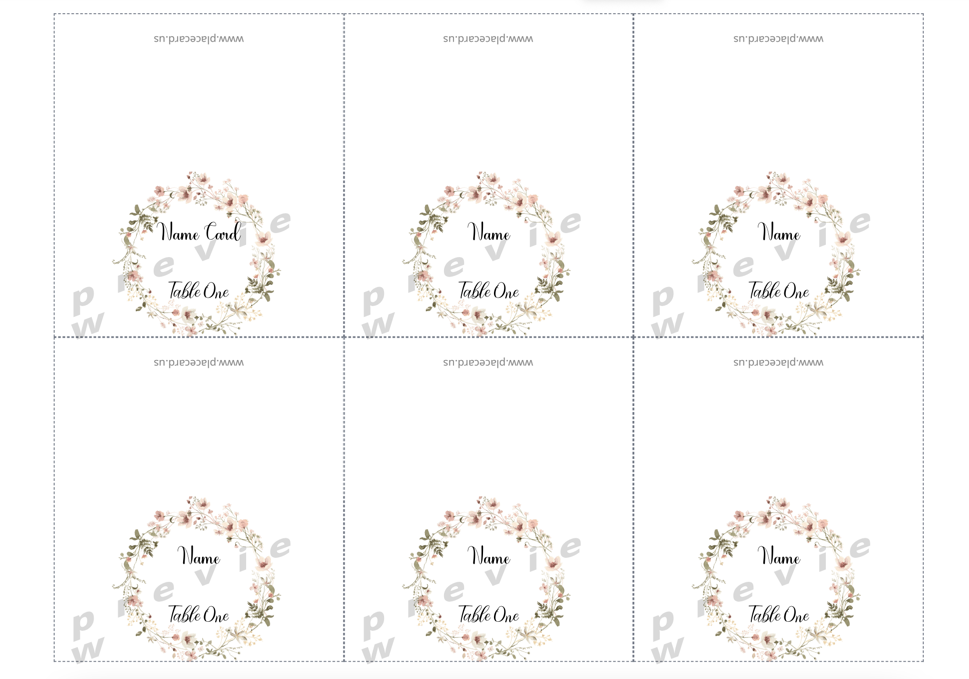
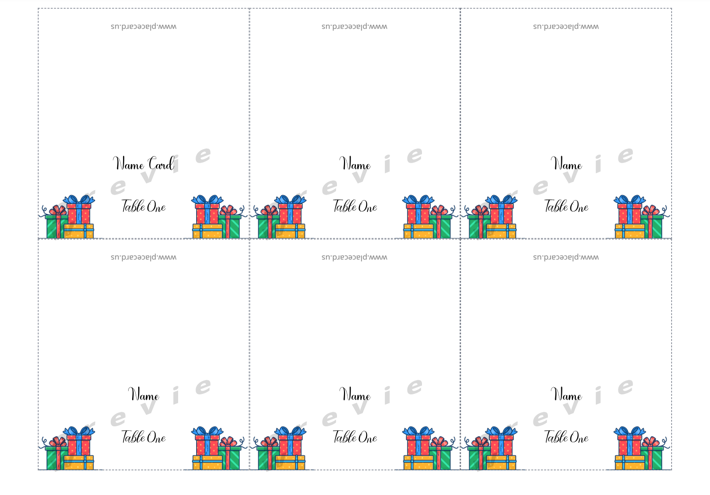
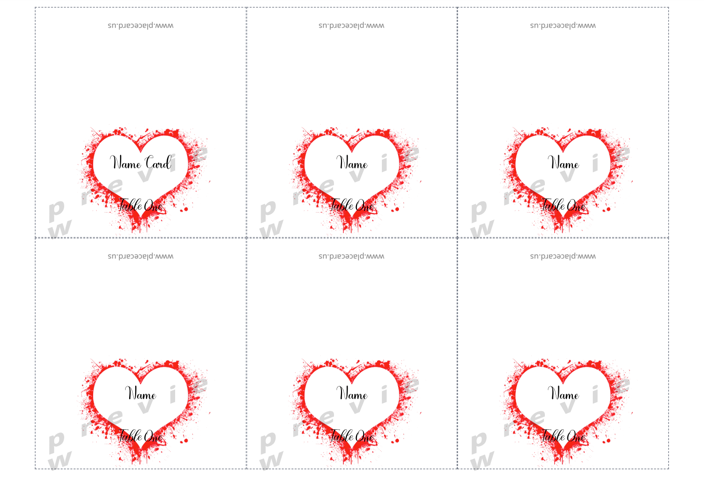
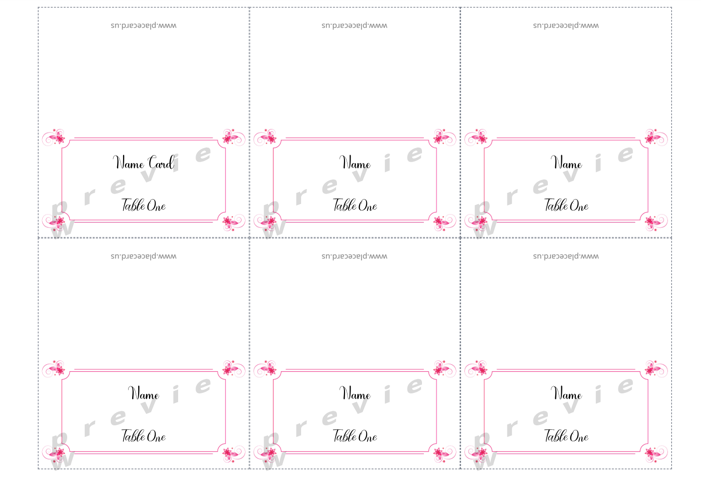
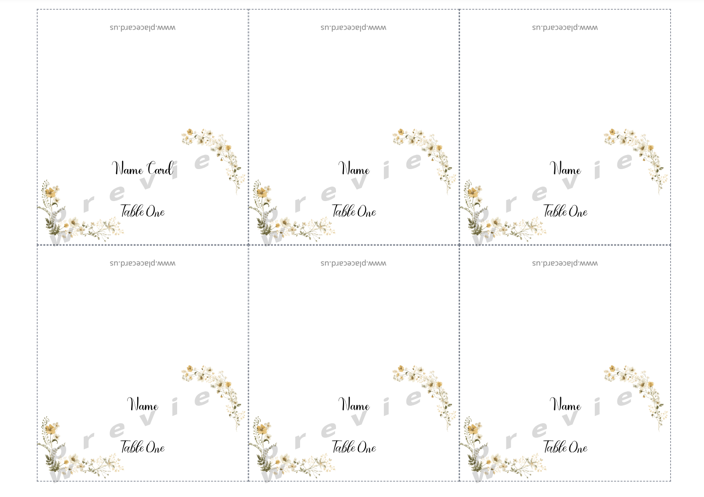
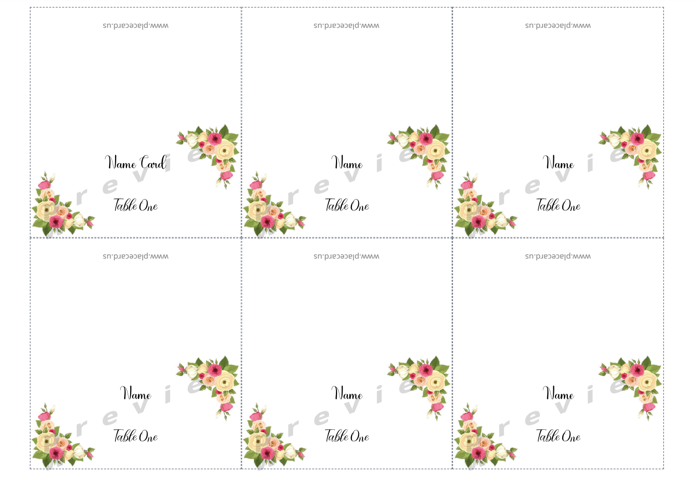
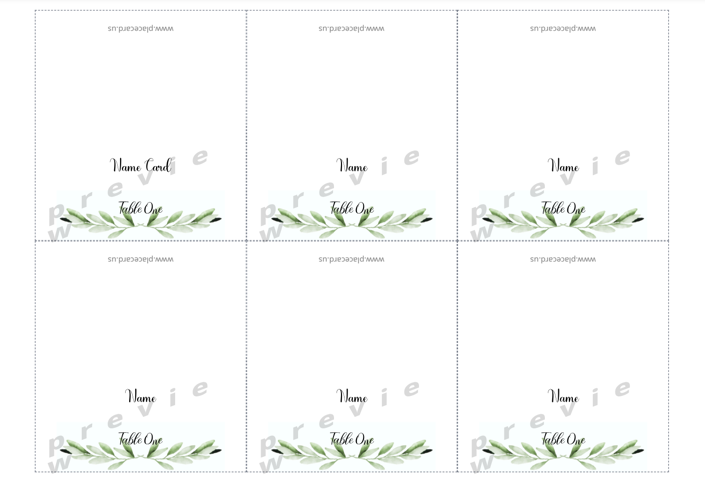
These previews show the complete Letter-size sheet, not just one card. Each design uses a 3 × 2 grid so you can compare borders, spacing, and cut lines before downloading or printing.
Floral Wreath 6-Per-Sheet Place Cards
Birthday Gift 6-Per-Sheet Place Cards
Red Heart 6-Per-Sheet Place Cards
Pink Border 6-Per-Sheet Place Cards
Gold Botanical 6-Per-Sheet Place Cards
Corner Floral 6-Per-Sheet Place Cards
Greenery 6-Per-Sheet Place Cards
Black Ornate 6-Per-Sheet Place Cards
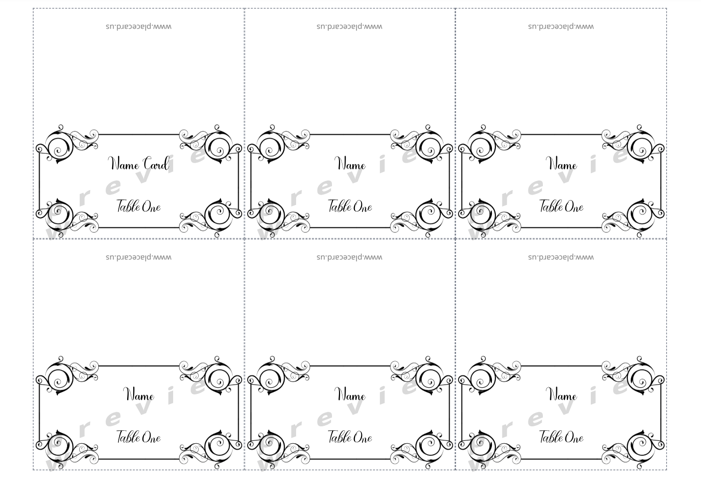
Use these previews to choose a visual style. For exact physical dimensions, download the blank 6-per-sheet PDF and print a plain-paper test at 100% scale.
Why 6 Per Sheet Is the Go-To Format
- Standard sizing: 3.5″ × 2″ per card — easy to write on, easy to read
- Fast batch printing: One letter-size sheet gives you six cards at a time
- Paper efficiency: No wasted cardstock on a standard letter sheet
- Widely compatible: Works with virtually any home printer
- Fits tent card holders: Many table tent card holders are designed for this exact size
If you're ordering cardstock specifically, look for 3.5″ × 2″ 6-up printable card stock or other vendor sheets that explicitly match a 3-by-2 layout on US Letter paper. Always verify the finished card dimensions before a full print run.
The 10 Templates
1. Wedding Elegant
Classic gold lettering on ivory, with a delicate border that photographs beautifully. Ideal for formal weddings, black-tie receptions, or anniversary dinners. The restrained design complements floral centerpieces and candlelit settings without competing for attention.
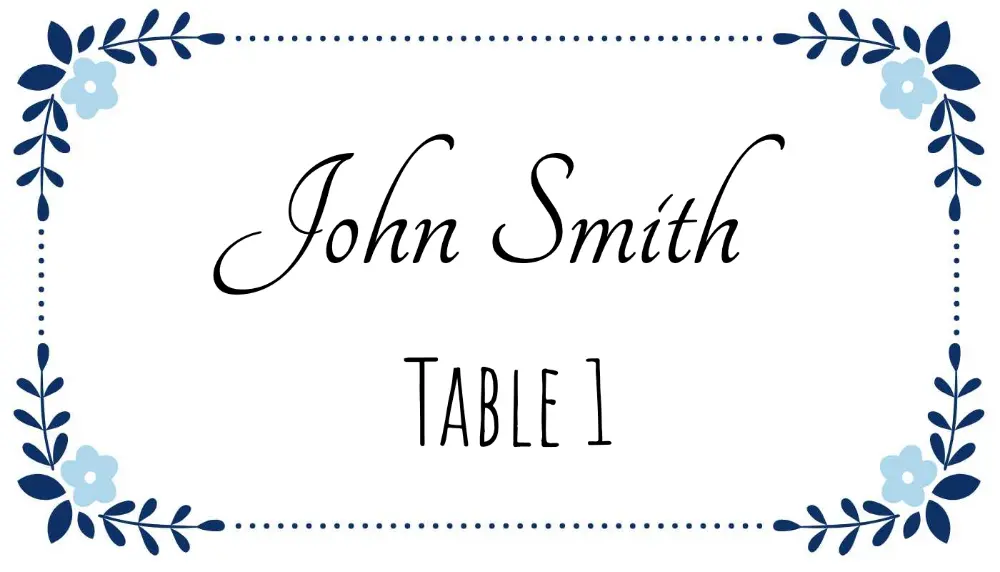
Open Wedding Elegant template →
2. Simple Minimal Modern
Clean white background, single sans-serif font, minimal decoration. If your event has a modern, Scandinavian, or neutral aesthetic, this template fits right in. Works equally well for weddings and corporate events.
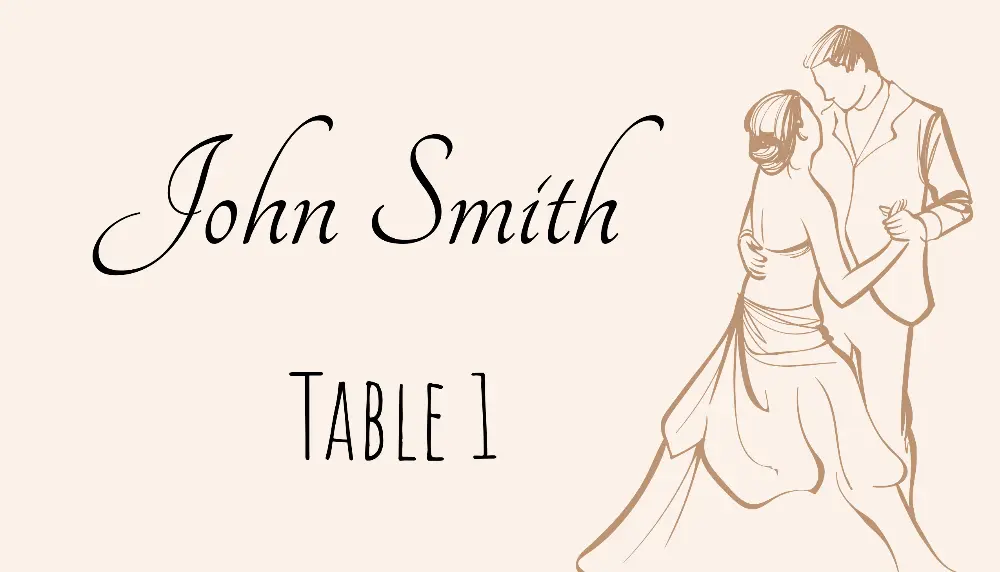
Open Simple Minimal template →
3. Birthday Colorful
Balloons, bold colors, and a festive energy. This template works for milestone birthdays (30th, 40th, 50th), kids' parties, and any celebration where you want the table decor to feel lively. Easily customized to match party colors.
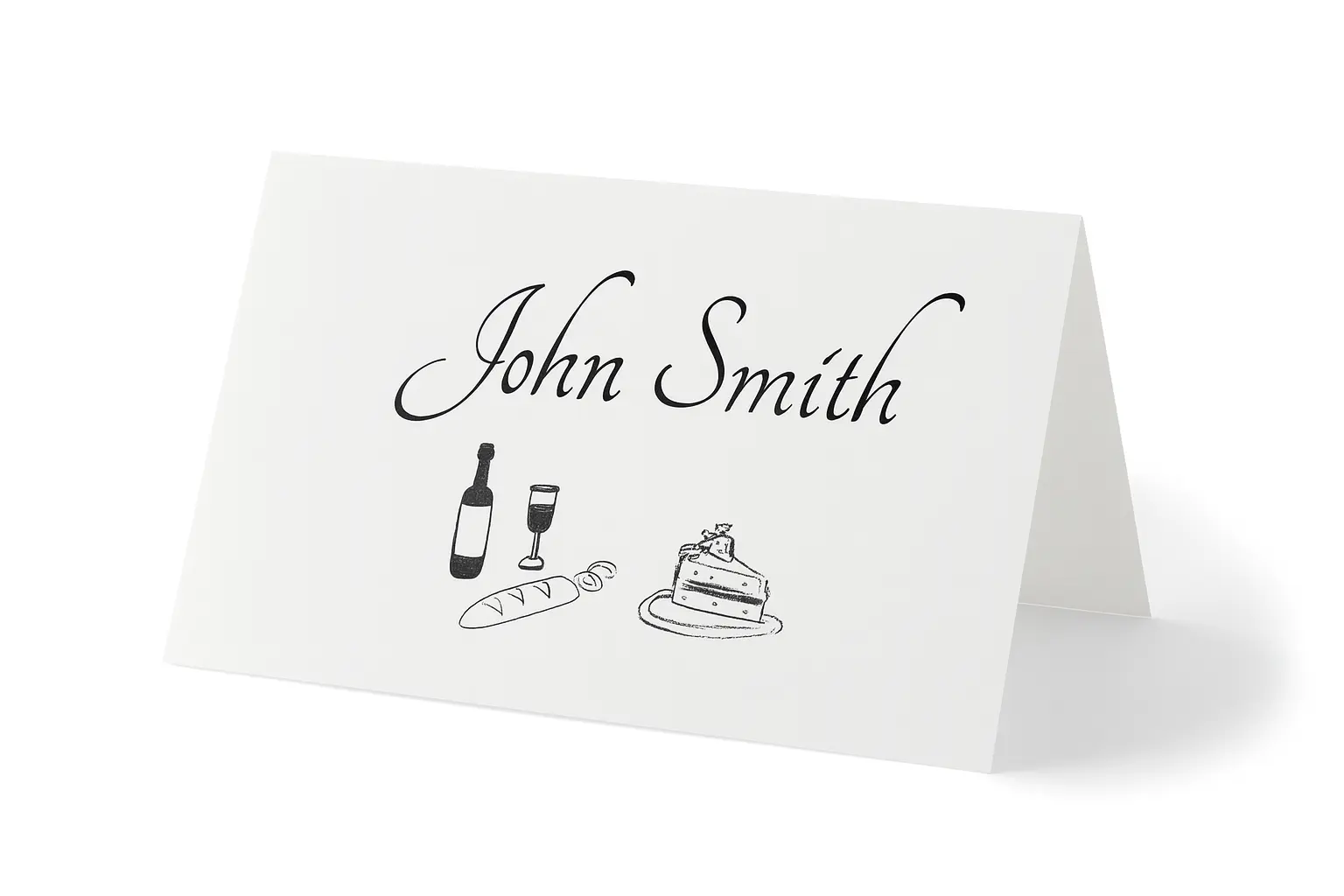
Open Birthday Colorful template →
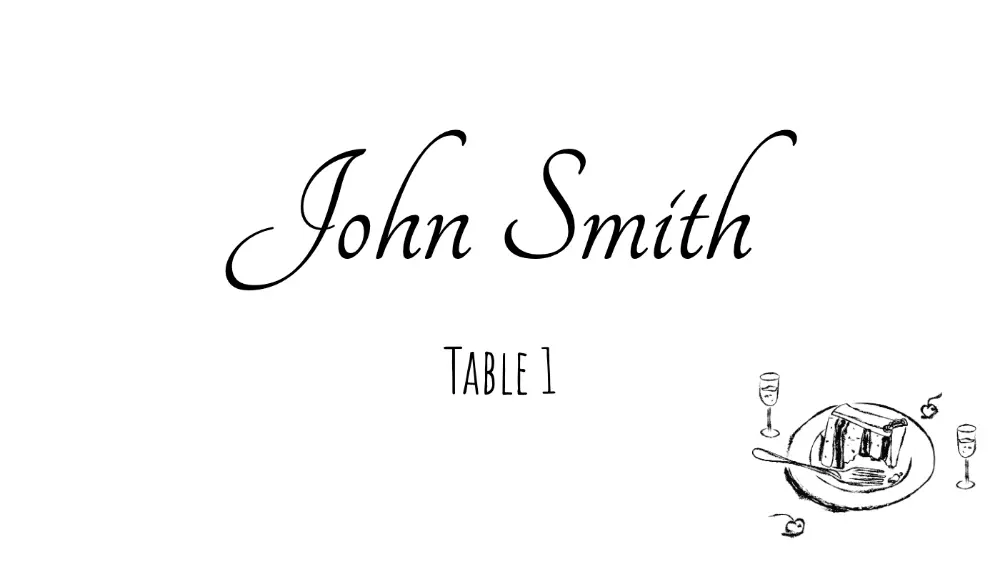
4. Formal Dinner Elegant
Deep navy or charcoal background with crisp white typography. Designed for formal dinners, state functions, award ceremonies, and gala events. The contrast makes guest names immediately readable at the table.
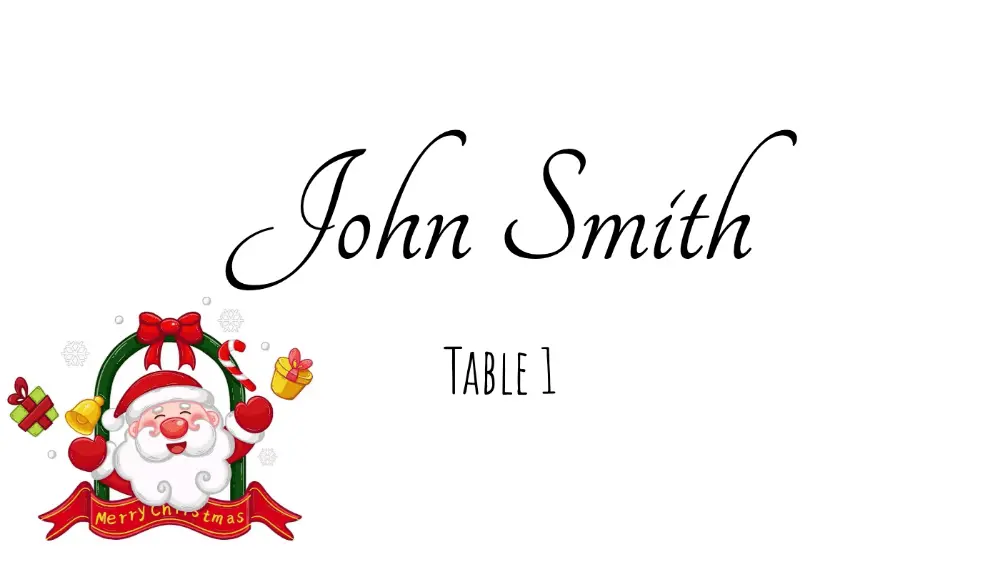
5. Christmas Holly Elegant
Rich red and green with a subtle holly motif. Perfect for Christmas dinners, holiday office parties, and New Year's Eve events. Sophisticated enough for adult gatherings while still feeling festive.
Open Christmas Holiday template →
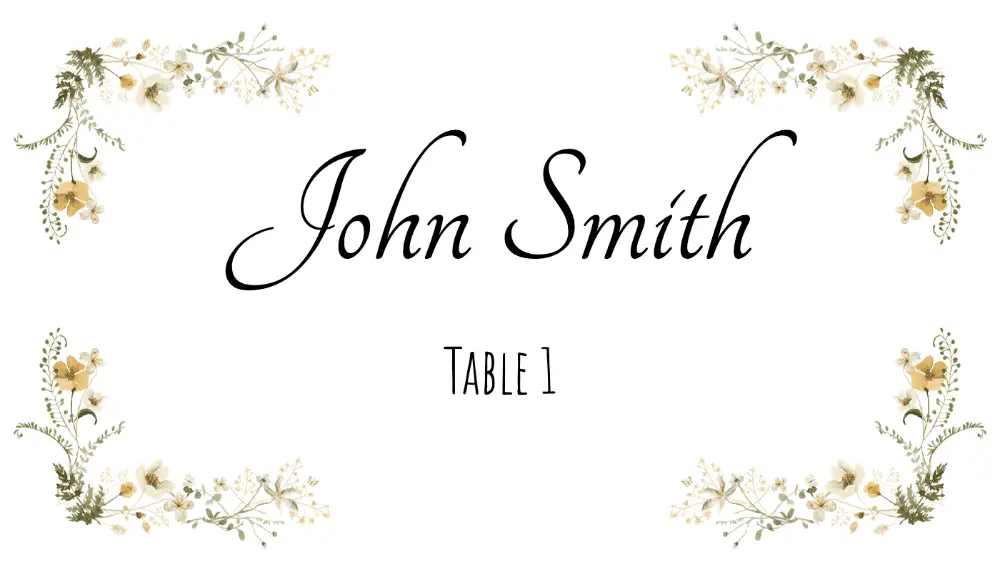
6. Floral Border Elegant
Soft watercolor-style florals frame the card edges, leaving the center clean for the guest name. Popular for garden weddings, bridal showers, spring luncheons, and Mother's Day events. Pairs well with fresh flower centerpieces.
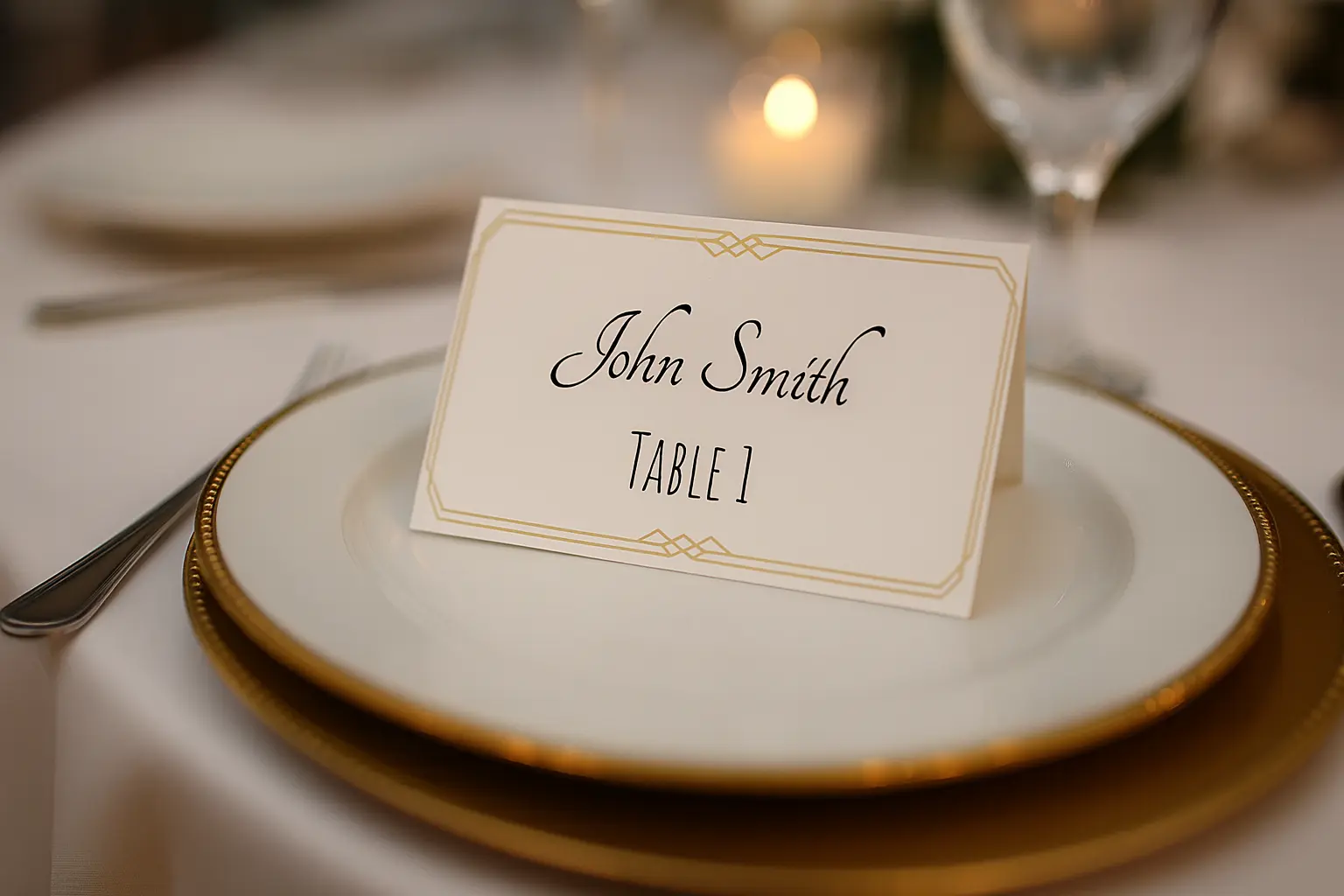
7. Modern Geometric
Bold geometric shapes in contemporary colors. Ideal for corporate events, product launches, tech conferences, and modern weddings. Stands out from the sea of floral place cards.
Open Modern Geometric template →
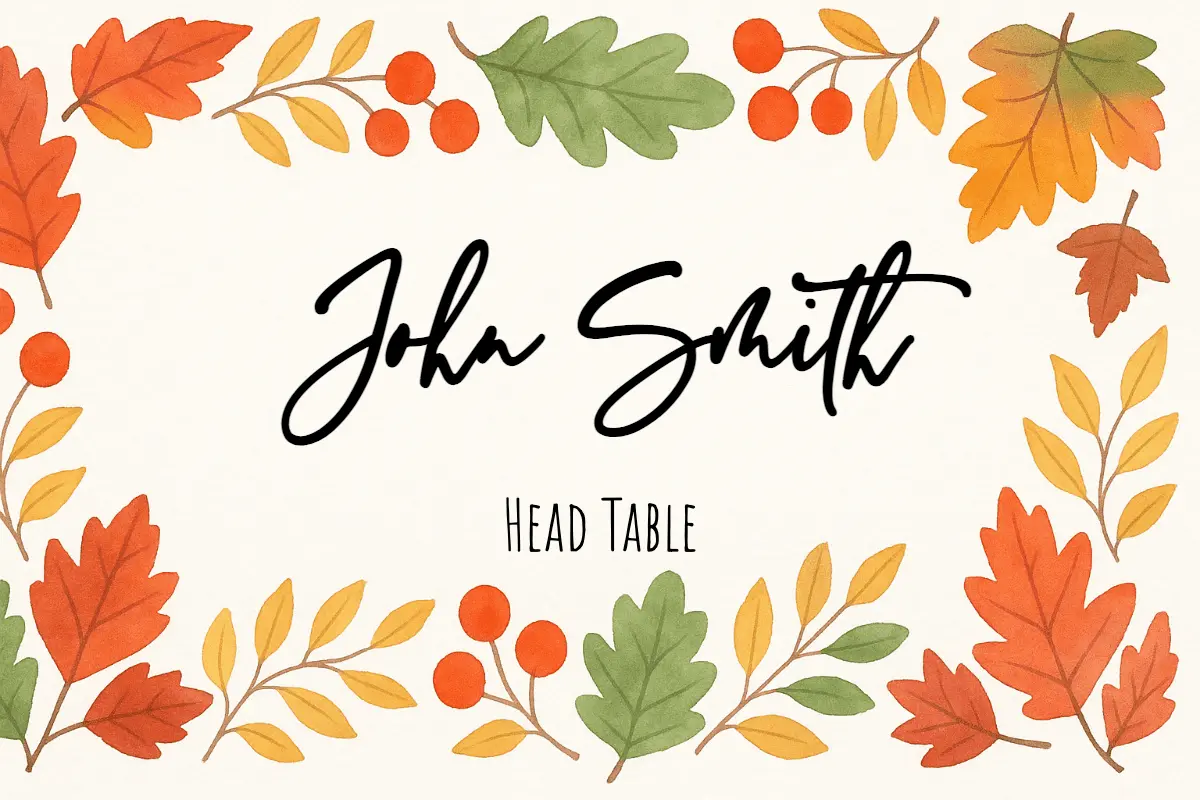
8. Watercolor Floral Delicate
Soft, painted watercolor flowers in blush and sage tones. This is one of the most popular styles for 2025 weddings. The delicate look works especially well on white or cream cardstock.
Open Watercolor Floral template →
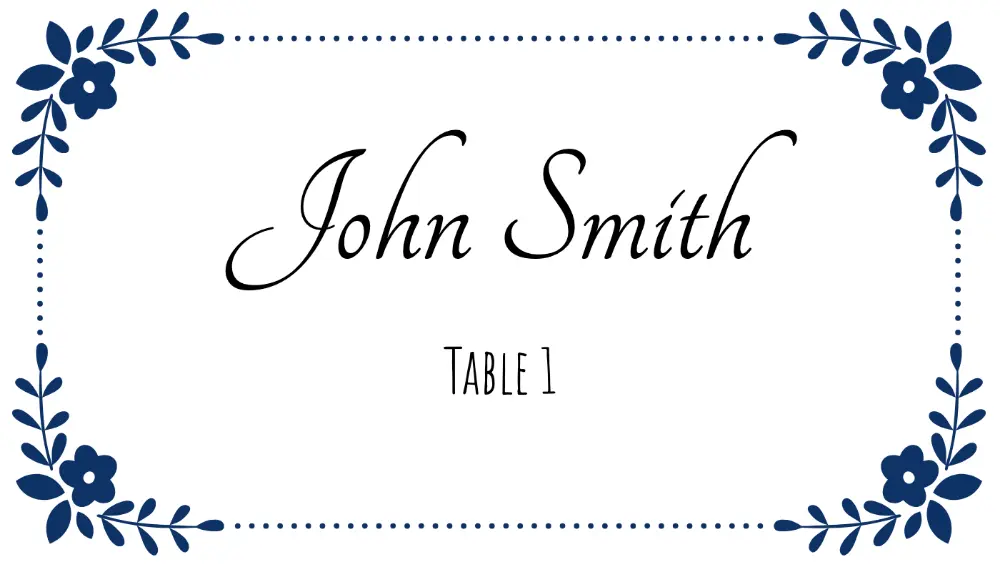
9. Gold Luxury
Metallic gold accents on white or black backgrounds give this template a premium feel. Works for upscale weddings, VIP events, corporate award dinners, and luxury brand experiences.
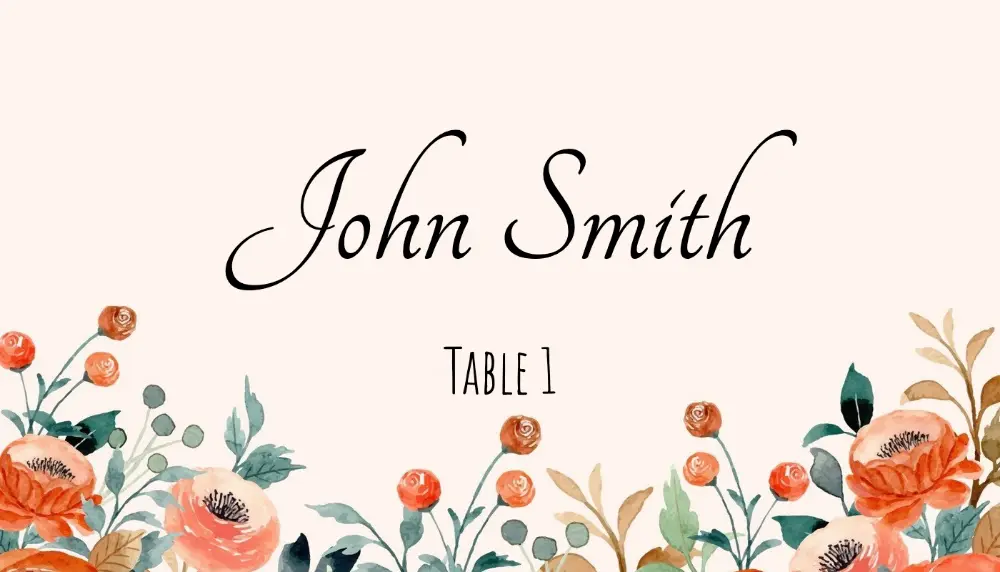
10. Classic Border
A timeless thin-border design that suits virtually any event. Clean, professional, and neutral — this template has been a staple for decades because it never goes out of style.
Open Classic Border template →
How to Print 6 Per Sheet
Paper & Cardstock Settings
- Paper size: Set to Letter (8.5″ × 11″)
- Orientation: Portrait
- Print quality: High (300 DPI or "Best" quality)
- Cardstock weight: 65–80 lb for flat cards; 90–100 lb for tent-fold cards that need to stand up
Printer Settings to Check
- Margins: None / Borderless (or set to 0 on all sides if your design has a background color)
- Scale: 100% / Actual size — never "fit to page" as this will shrink the cards and misalign Avery sheets
- Paper tray: Use the manual/straight-through tray for cardstock to avoid jamming
Using 6-Up Printable Card Stock
If your paper is pre-scored or perforated for 3.5″ × 2″ cards, after printing:
- Score along the perforations with a bone folder if needed
- Fold or tear apart along the pre-cut lines
- No cutting required
Test Print First
Always print a test page on plain copy paper before loading your cardstock. Hold the printed test sheet over your final stock and hold both up to a light — the text should align perfectly with the perforations or cut lines.
6 Per Sheet in Word, Google Docs, and PDF
Word (6 Per Sheet)
- Go to Mailings → Labels → Options
- Select Avery US Letter and choose product 5371 (business card size, 10-up) or set a custom label with 3 columns × 2 rows, 3.5″ width, 2″ height
- Click New Document — Word creates a table matching those dimensions
- Design the first cell, then copy to all cells
For a detailed walkthrough, see the place card templates for Word guide.
Google Docs (6 Per Sheet)
- Insert a 3 × 2 table (3 columns, 2 rows)
- Set row height to 2 inches and column widths to ~2.83 inches each
- Design the first cell and copy formatting to the others
For more details, see the full guide: place card template Google Docs.
PDF (Online, No Software)
The fastest method for large guest lists:
- Open any template in Place Card Maker
- Import your guest list from Excel, Google Sheets, or CSV
- The tool lays out all cards automatically at 3.5″ × 2″, 6 per sheet
- Export one print-ready PDF
No manual layout, no mail merge configuration.
Adding Your Guest List: Skip the Manual Typing
The fastest way to fill in all these templates is to import your guest list rather than typing each name individually. If you have guests in a spreadsheet (Excel, Google Sheets, or CSV), you can upload it directly in the Place Card Maker.
Here's how:
- Open any template above in the Place Card Maker
- Click Import Data or go to /import-data
- Upload your spreadsheet or paste your guest names
- The tool generates one card per guest automatically
- Download the complete PDF — all guests, all cards, ready to print
For a wedding with 120 guests, this turns a repetitive manual task into a short spreadsheet workflow.
Customizing the Templates
Every template in the Place Card Maker is fully editable:
- Fonts: Choose from dozens of Google Fonts — mix script and serif for an elegant look
- Colors: Click any element to change its color — match your event's color palette exactly
- Table numbers: Add a table number field from your spreadsheet if you have assigned seating
- Meal indicators: Add a dietary icon or abbreviation (V for vegetarian, GF for gluten-free) using a second column in your spreadsheet
- Size: Adjust the card dimensions if you're not using the standard 3.5″ × 2″ format
Related Resources
- Place card size guide — all standard dimensions
- Free printable place card PDFs
- Avery 5302 place card templates
- Free name tag maker for conference and classroom badges
- How to print place cards in Word
- Place card template Google Docs guide
FAQ: 6 Per Sheet Place Cards
What size are 6 per sheet place cards?
The most common size is 3.5″ × 2″ per card on Letter paper in a 3 × 2 layout. Always verify vendor dimensions before printing a full batch. For international printing on A4, see the place card sizes guide for metric equivalents.
Can I print 6 per sheet place cards in Word?
Yes, but Word is slower for larger guest lists because you usually have to type or paste names manually. If you already have your guests in a spreadsheet, Place Card Maker is faster because it generates every card automatically.
Is 6 per sheet the same as Avery 5302?
No. 6 per sheet is usually a generic flat-card layout, while Avery 5302 is a verified folded tent-card product with 4 cards per sheet. See the Avery place card templates page for Avery-specific layouts.
What is the fastest way to make 6 per sheet place cards?
Start with a spreadsheet that includes Guest Name and any optional fields like Table or Meal Choice, then import it into Place Card Maker and export one print-ready PDF for the whole guest list.
Can I get a free blank 6 per sheet template?
Yes. Open the free place card templates library and filter by flat-card layouts. You can also download a blank template and fill in names by hand, or use the online editor to add names digitally before printing.
What cardstock should I use for 6 per sheet place cards?
Use 65 lb (176 gsm) cardstock for flat cards — it's stiff enough to hold its shape at the table without being too thick for home printers. Avoid regular copy paper (it will curl or flop). For tent cards that need to stand upright, use 80–100 lb cardstock.
Do these templates work with Avery paper?
The 6-per-sheet flat templates work with any generic printable card stock. For Avery-branded sheets, match the product dimensions carefully — some Avery products use slightly different spacing. Always test-print on plain paper first.
Ready to Print?
Pick the template that fits your event from the list above, customize it in minutes, and import your guest list to generate a complete PDF. No design software, no manual typing for every guest, no alignment headaches.
Browse all free place card templates → | Open the place card maker →