
Warm white wedding template
Soft White Printable Place Card Template
Download a warm soft-white printable place card template for weddings and dinners. Includes paper, typography, Word, and print guidance.
PDF download. No Word file or account is required.
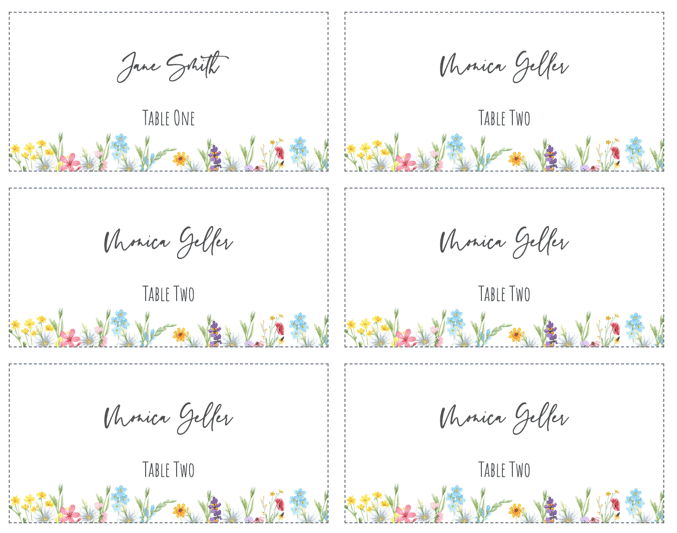
- Finished size
- 3.5 x 2 in
- Card style
- Flat card
- Sheet layout
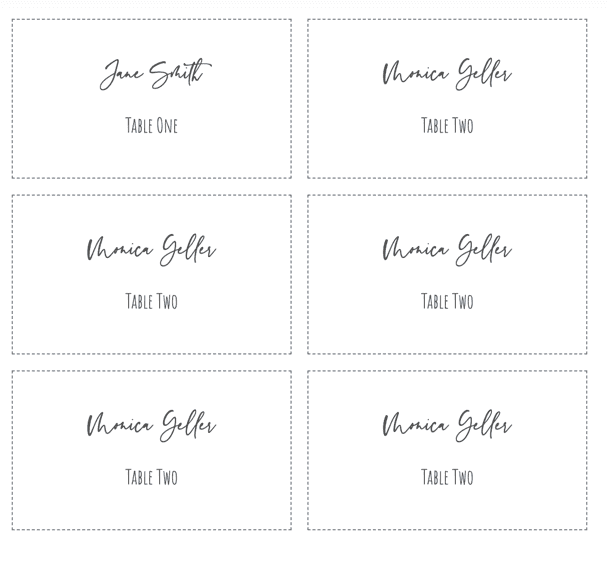
- 6 cards
- Paper
- US Letter, landscape
Template overview
What this printable template is designed to do
Soft-white or ivory cardstock gives a warmer result than bright office white. This template pairs that paper choice with a restrained name layout for weddings, rehearsal dinners, formal events, and table settings built around linen or natural materials.
The PDF supplies six flat cards on a Letter sheet. The warm appearance comes primarily from the paper, so the design does not require a large cream-colored ink background.
Recommended uses
When to choose this place card layout
Wedding receptions
Warm paper coordinates with ivory stationery, linen, candlelight, and understated floral settings.
Rustic or formal dinners
The neutral design can move between natural table decor and traditional formal place settings.
Dark accent colors
Deep green, burgundy, charcoal, and black remain readable on warm stock.
Low-coverage printing
Use the cardstock color itself instead of printing a simulated cream background edge to edge.
Choose the paper before choosing the ink color
Soft white varies significantly by manufacturer. Place the paper beside the menu, napkin, or invitation before approving the shade, then test the text color on the physical stock.
Avoid pale gray or light gold for essential names because warm paper reduces perceived contrast. If a table number or meal choice is included, keep it secondary but still readable in the venue lighting.
Set up the same size in Microsoft Word
Use fixed-size Word table cells that match the finished card dimensions, turn off AutoFit, and leave clear internal margins. Set the document background to white rather than trying to reproduce the paper color in ink.
The PDF keeps the sheet geometry stable, while Word remains an option for manually typing a small number of names. For a complete guest list, import the spreadsheet into the online editor and preview long names before export.
Print the template at the correct size
PDF preserves the sheet geometry, but the print dialog can still resize it. Use this sequence before committing final cardstock.
- Step 1
Test the stock
Confirm that the printer supports the cardstock weight and that ink dries cleanly.
- Step 2
Check ink contrast
Print names in the chosen color and inspect them under warm or dim light.
- Step 3
Use actual size
Select 100% or Actual Size and turn off all fit-to-page options.
- Step 4
Keep replacement stock
Reserve one sheet for late name corrections or seating changes.
Questions about this template
Should I print a cream background on white paper?
Using actual soft-white or ivory cardstock gives more consistent edges and uses less ink than printing a full-page cream background.
Which text colors work on soft-white paper?
Black, charcoal, deep green, burgundy, and other dark colors usually provide enough contrast. Always test the specific paper first.
Can I personalize the cards from Excel?
Yes. Open the matching online template, import one guest per spreadsheet row, and export the personalized cards as one PDF.
Related templates
Compare another printable layout
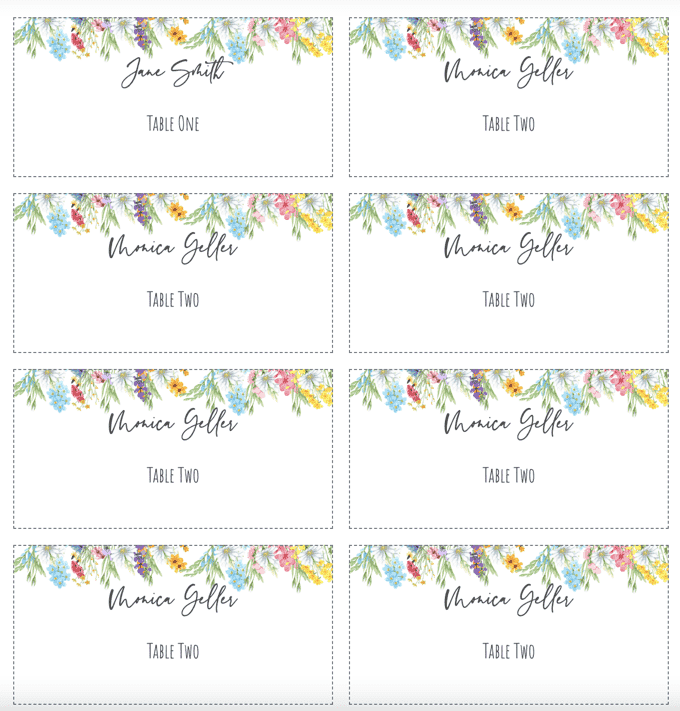
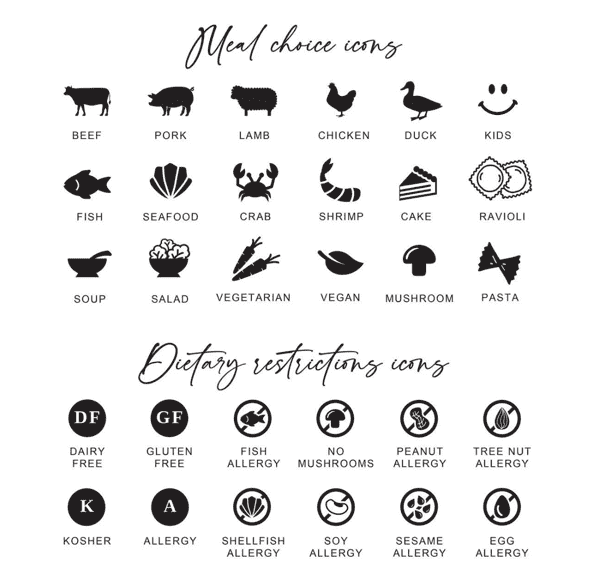
Personalize every guest name from a spreadsheet
Use the matching design, import Excel, CSV, or Google Sheets, and export the complete set as one print-ready PDF.