
Gratis bordkort skabeloner til print
100+ designs til bryllup, middag og højtider. Download tom PDF efter størrelse, eller tilpas online med Excel, CSV eller Google Sheets.
Gratis · PDF · Word · 6 pr. ark · Bryllup · Online

Gennemse bordkort skabeloner
Filtrér efter bryllup, blomster, højtider eller minimal. Tilpas online eller download matchende tom PDF.
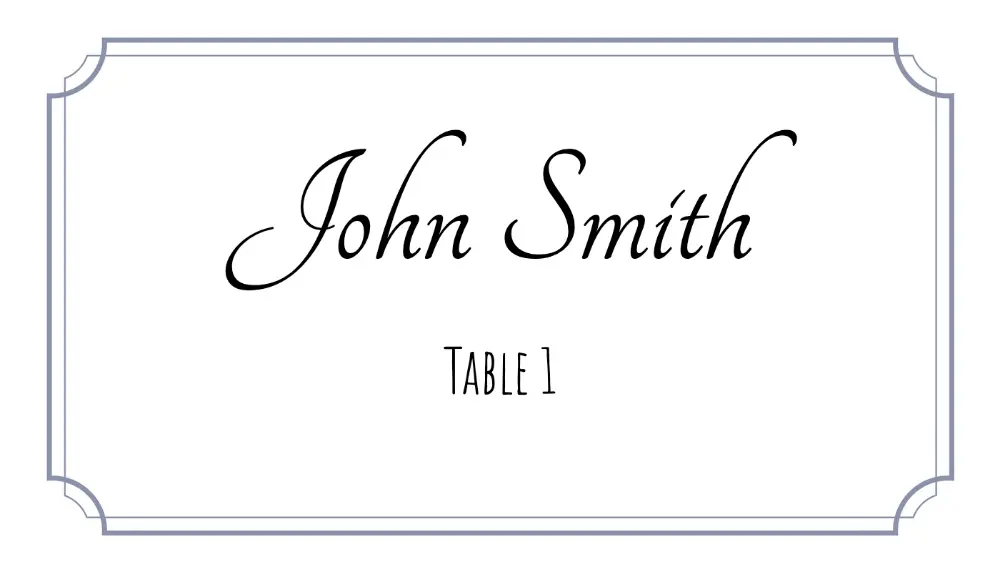
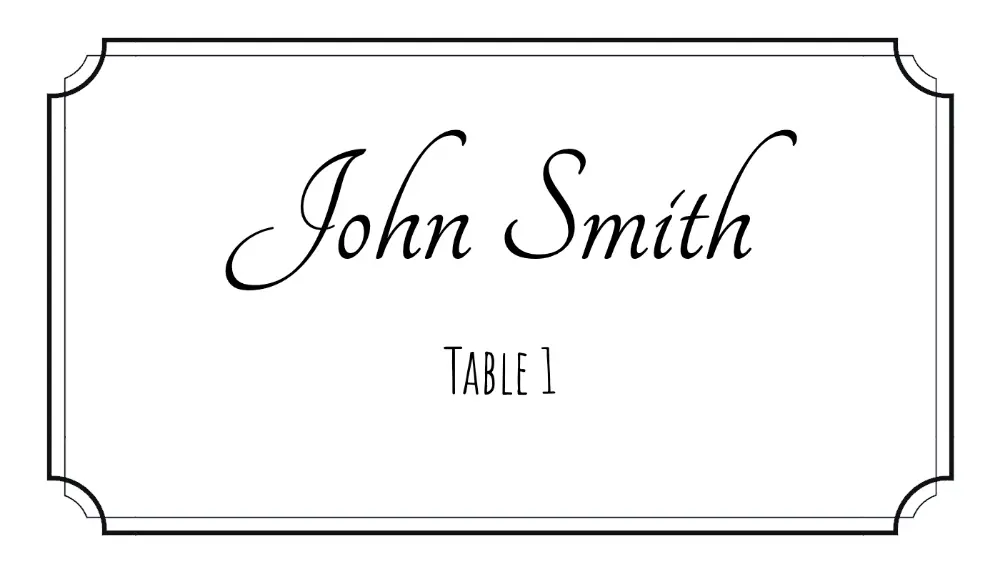
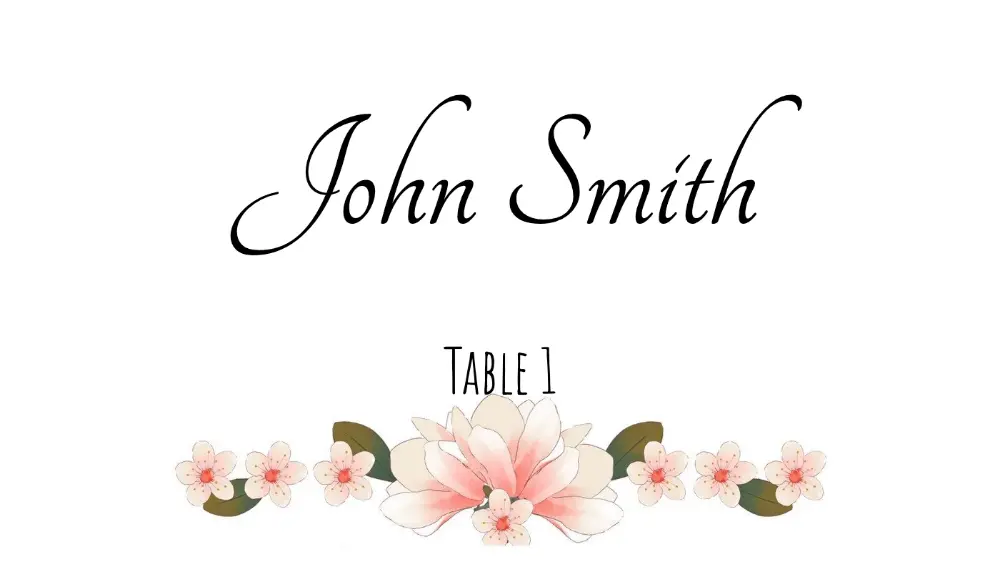
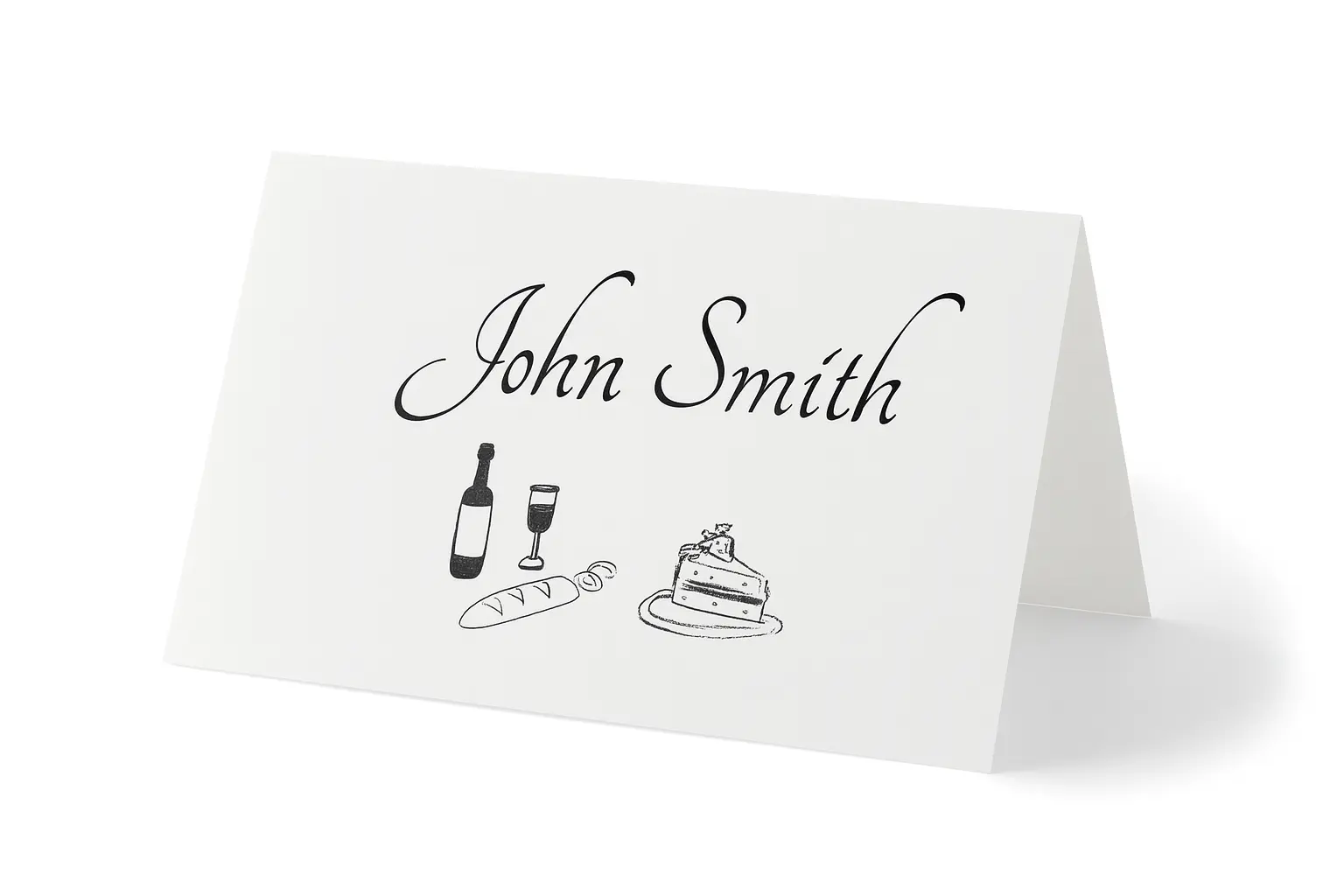
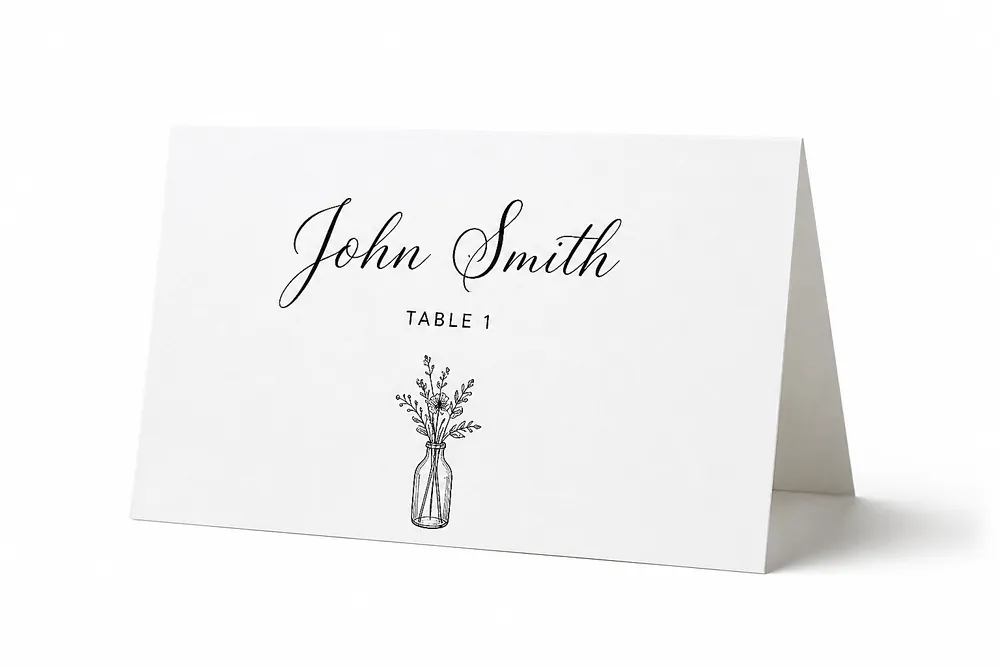
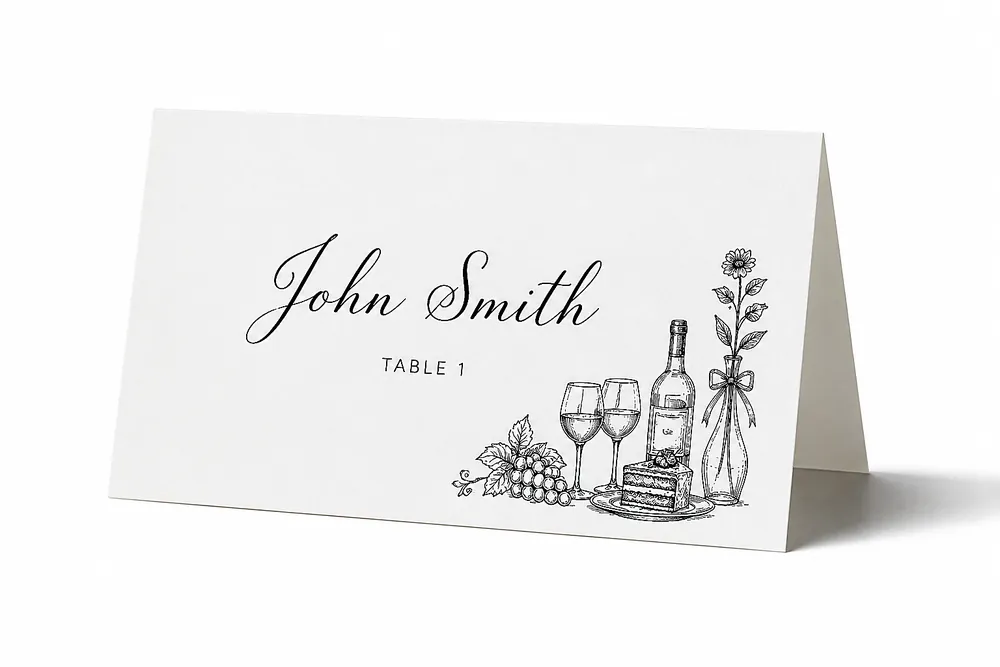
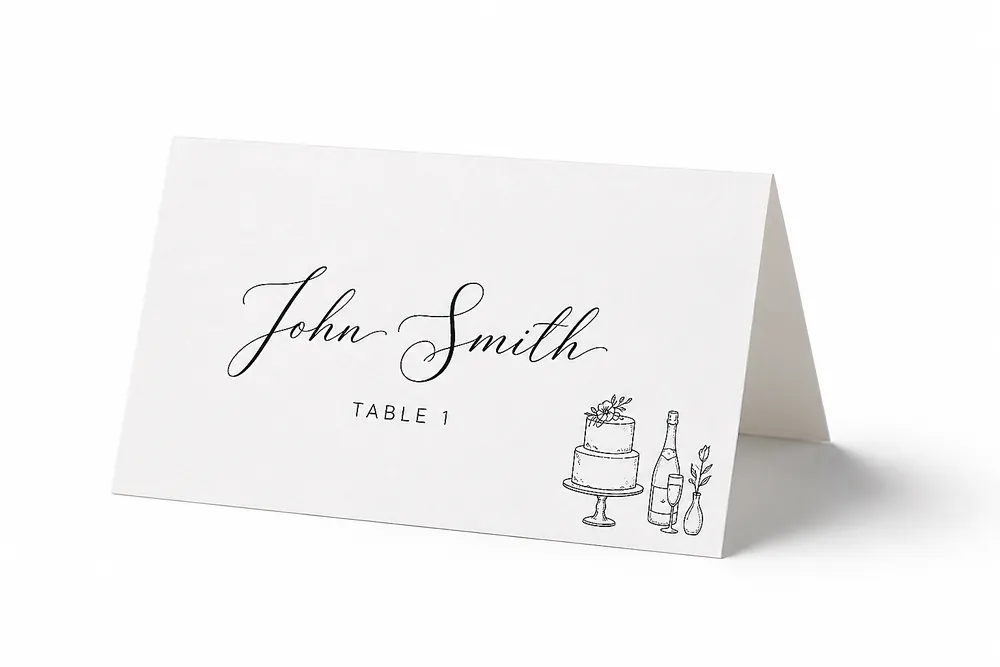


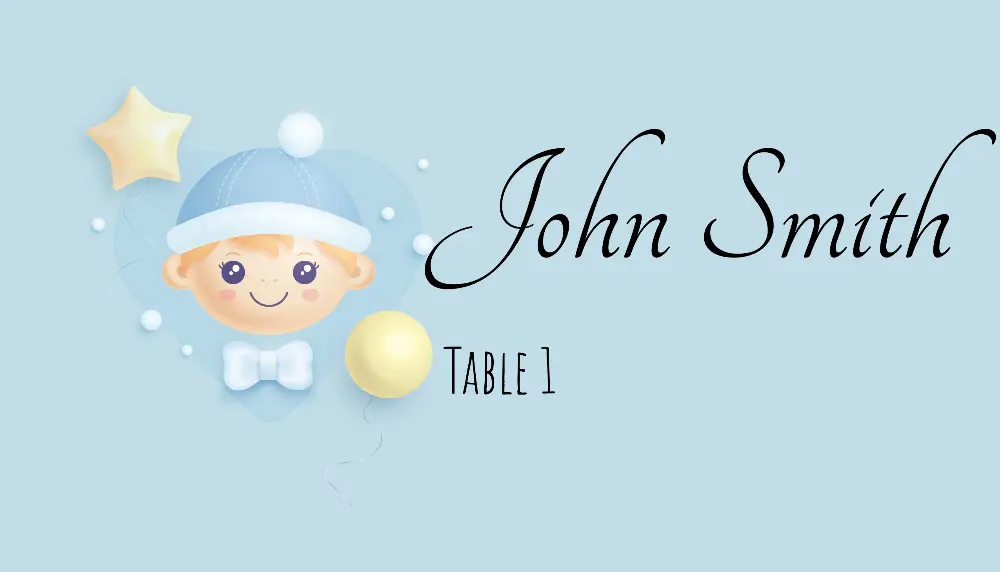
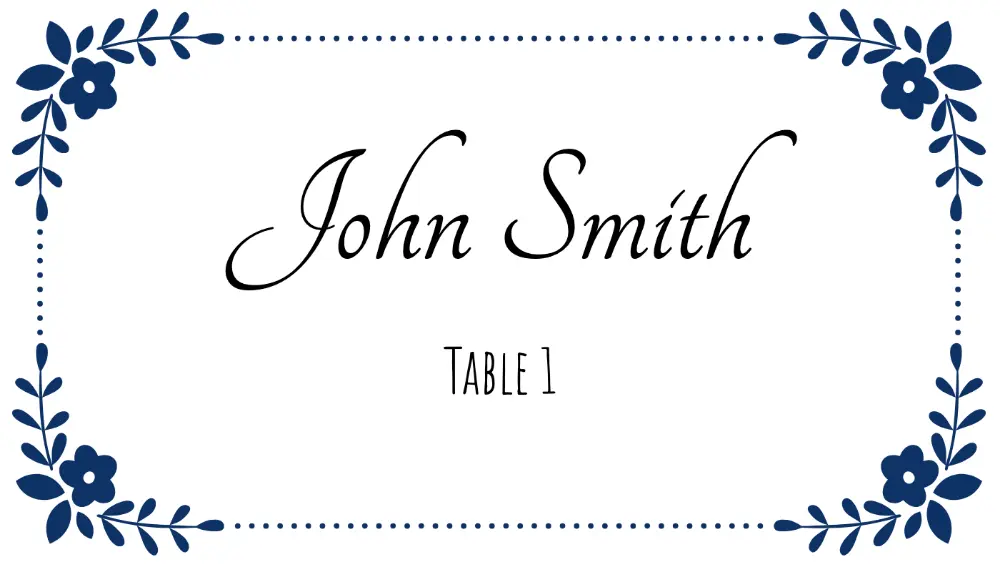
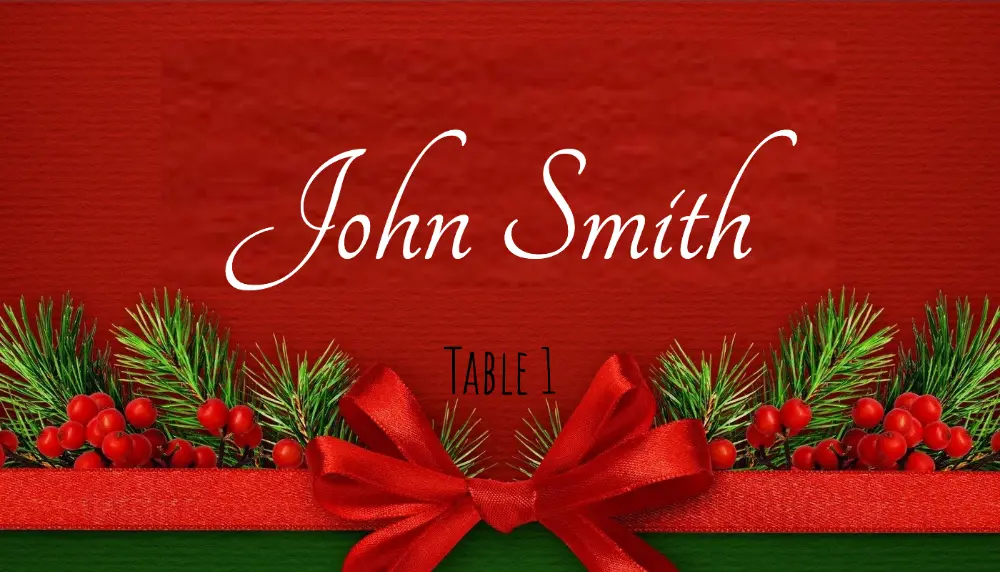
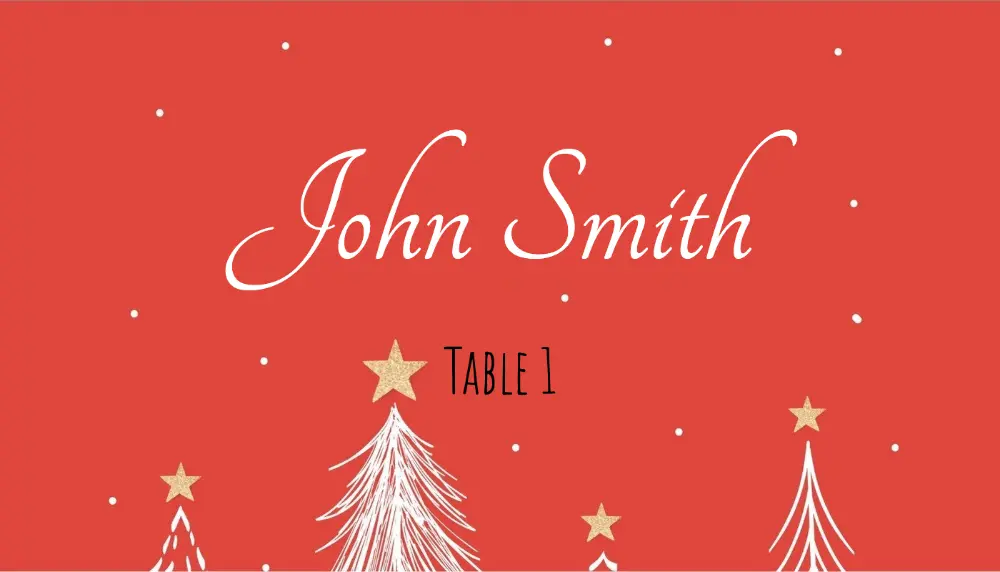
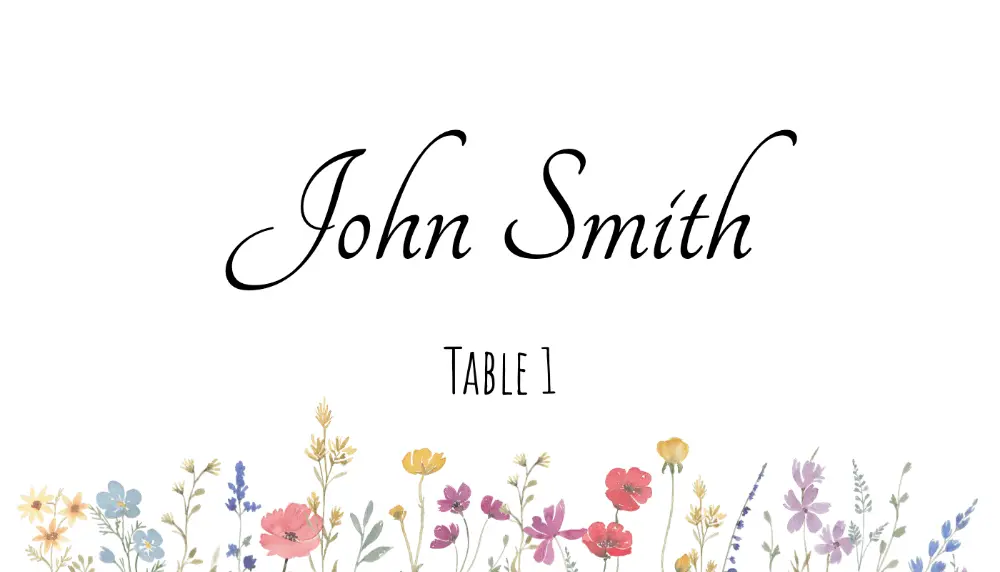
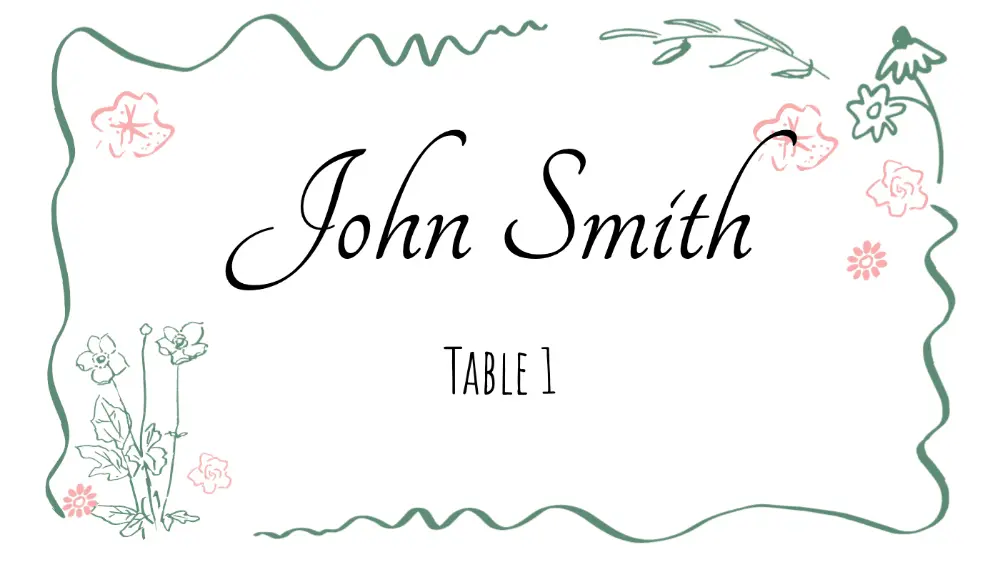
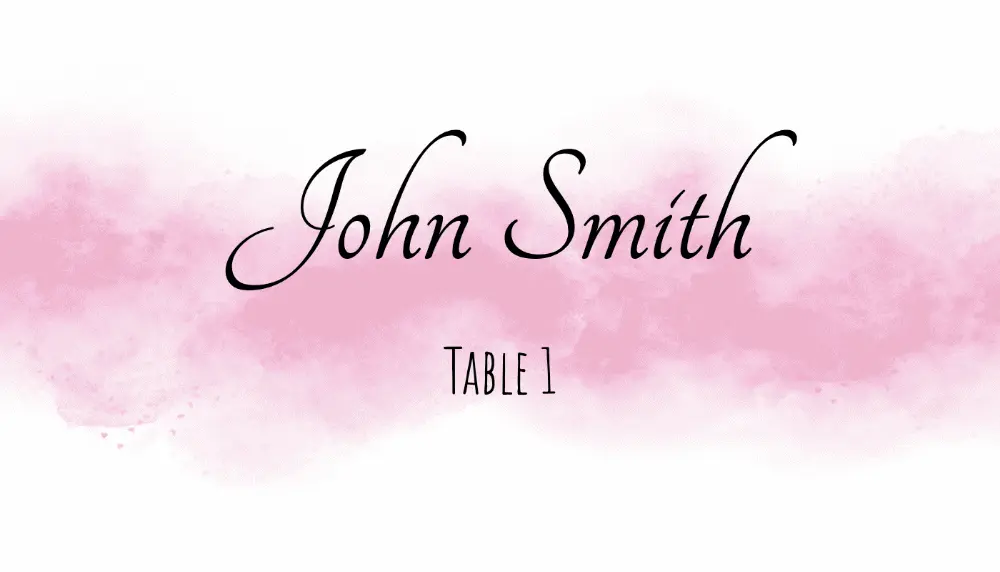
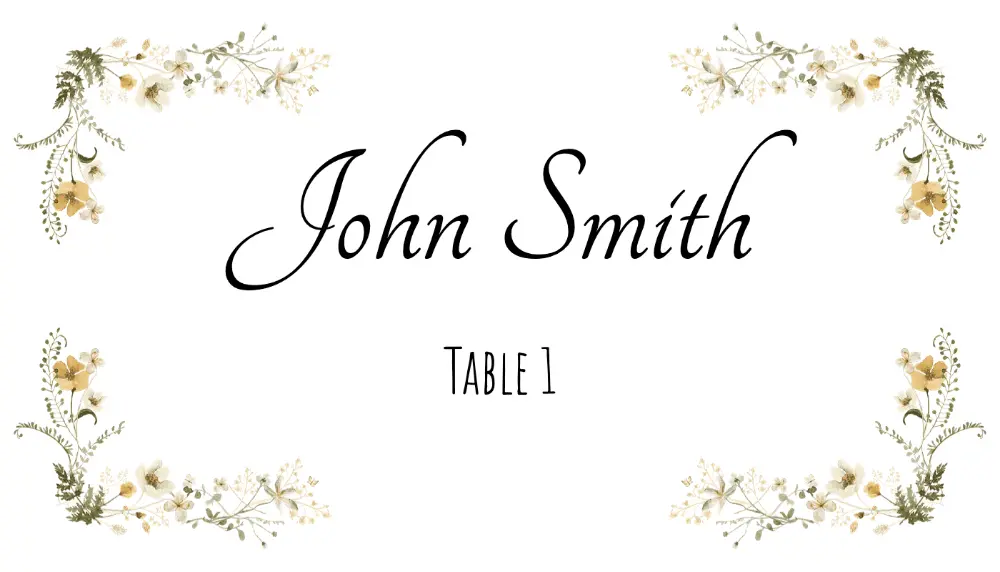
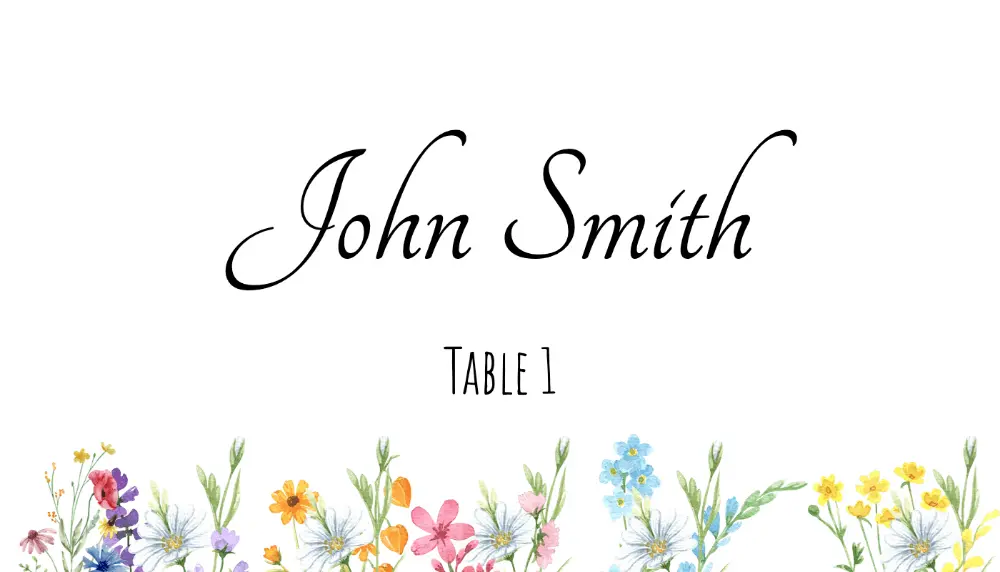
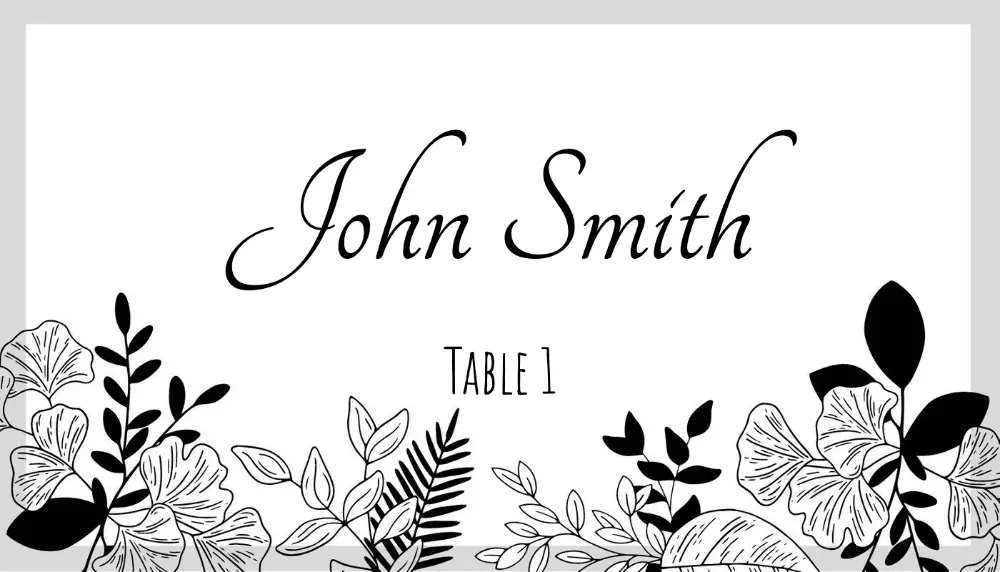
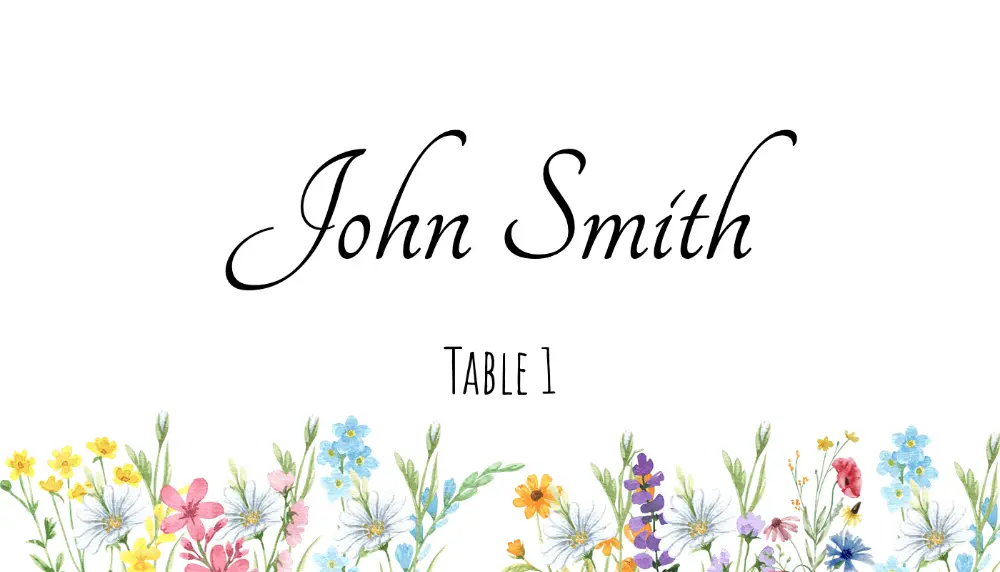
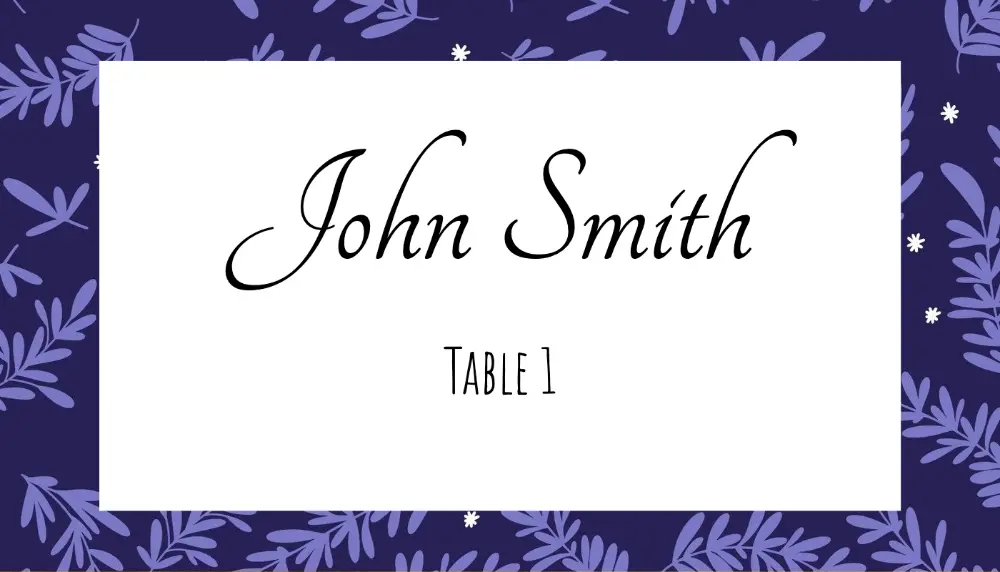
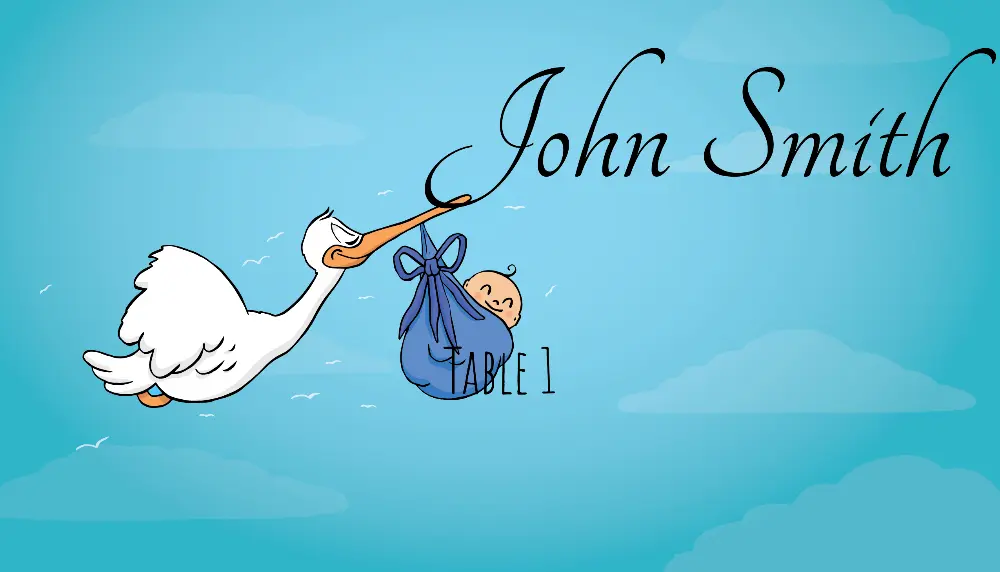
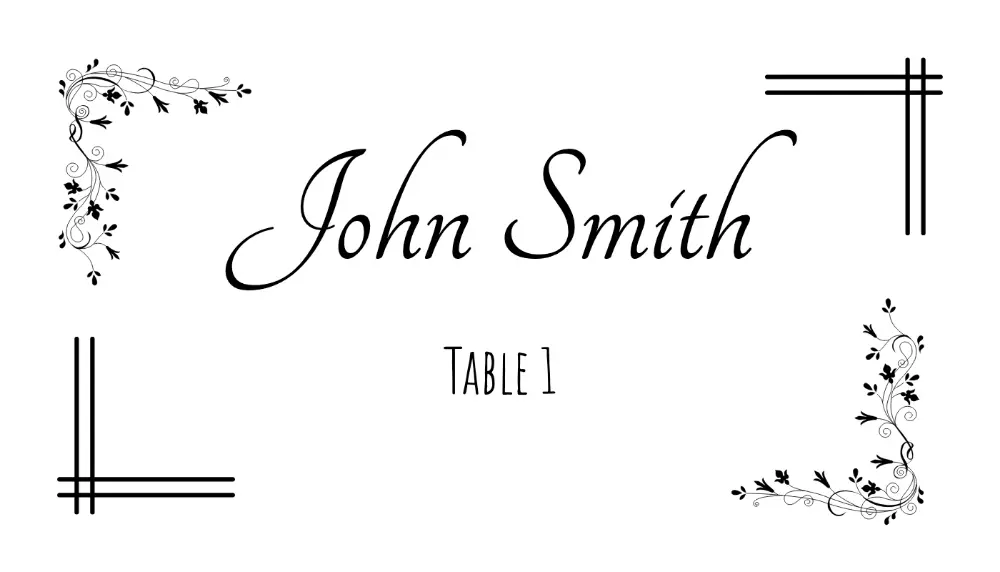

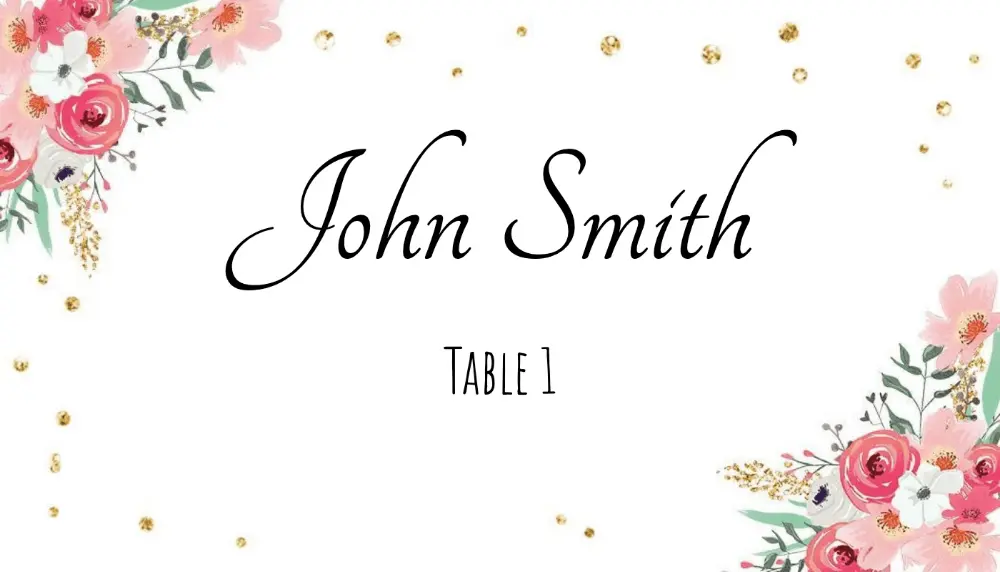
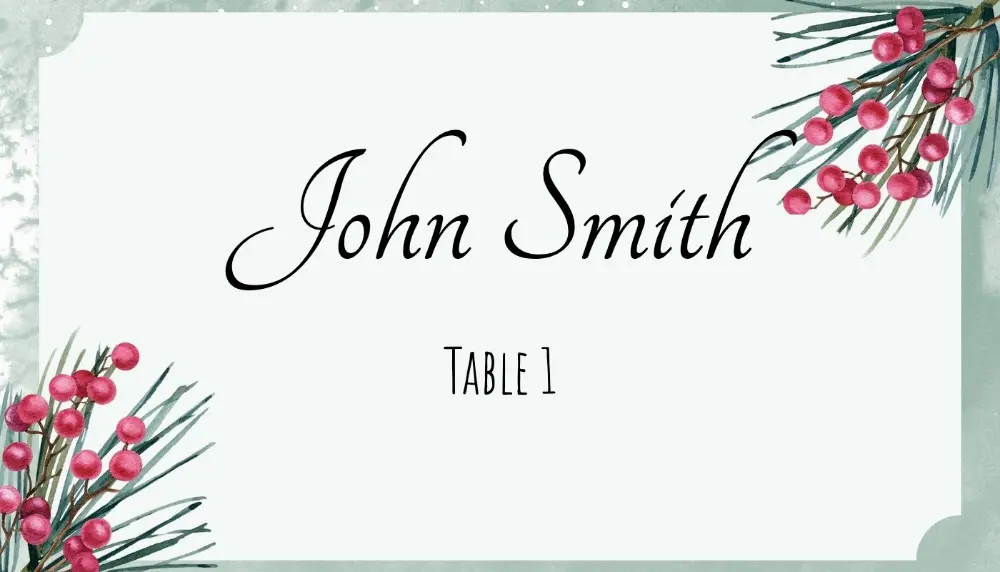
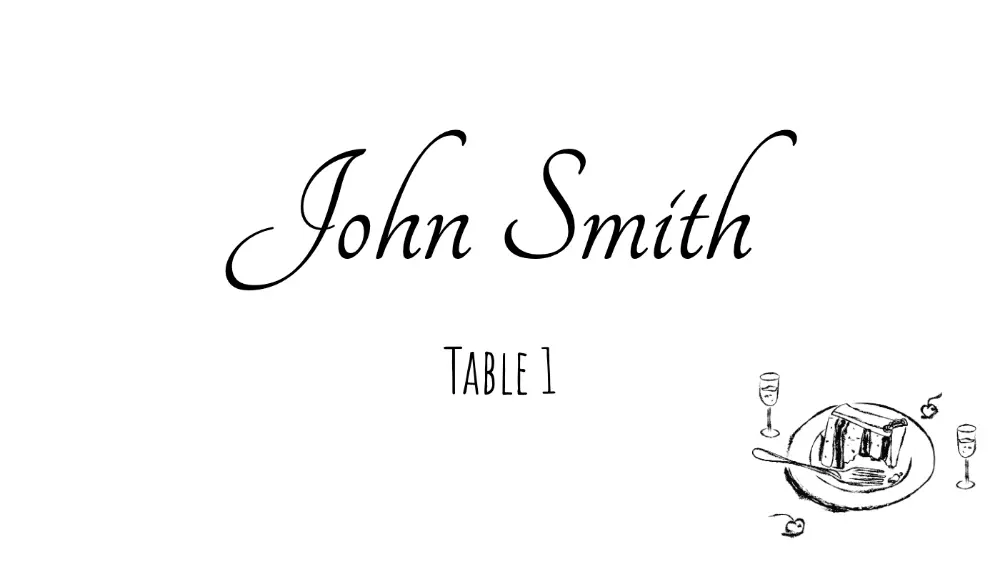
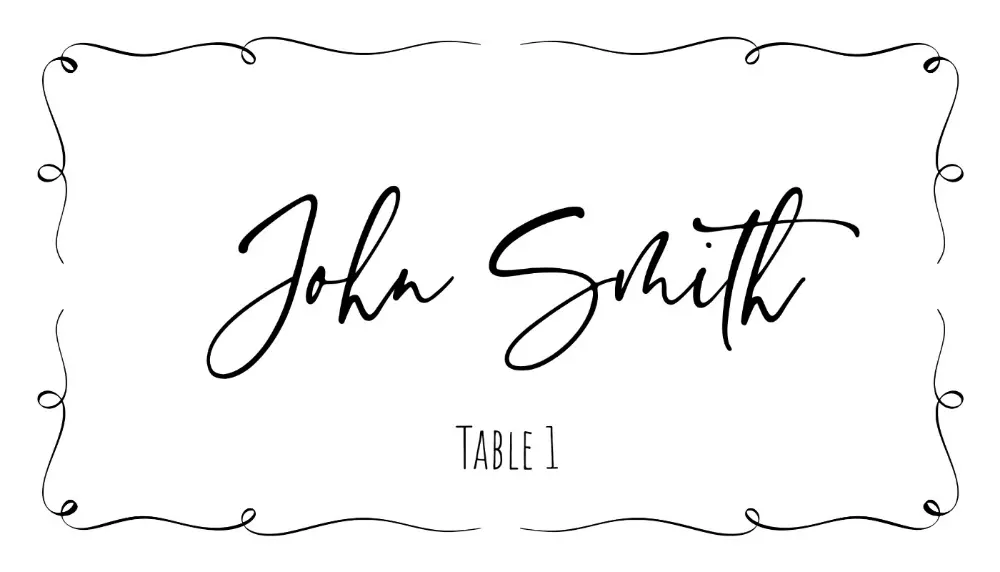
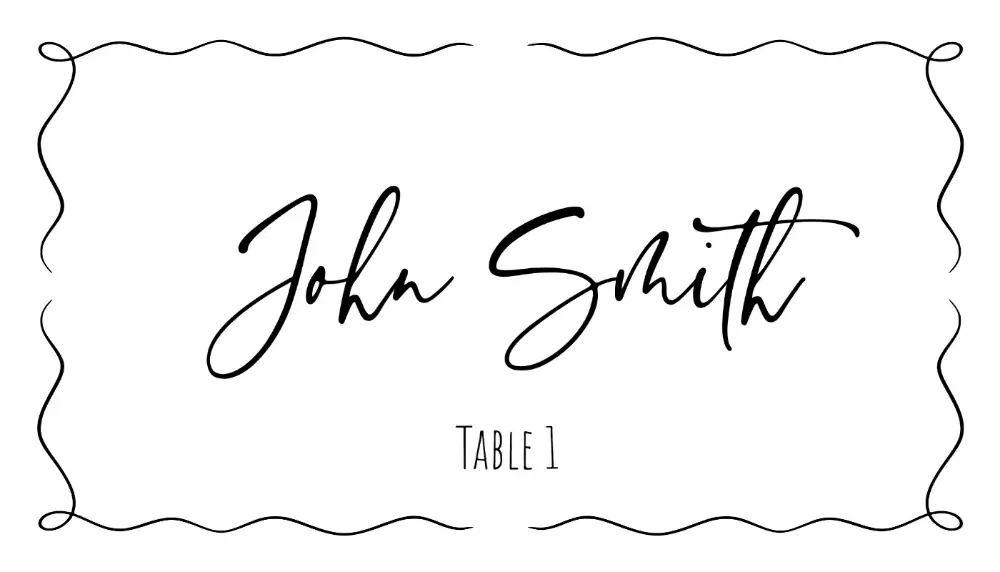
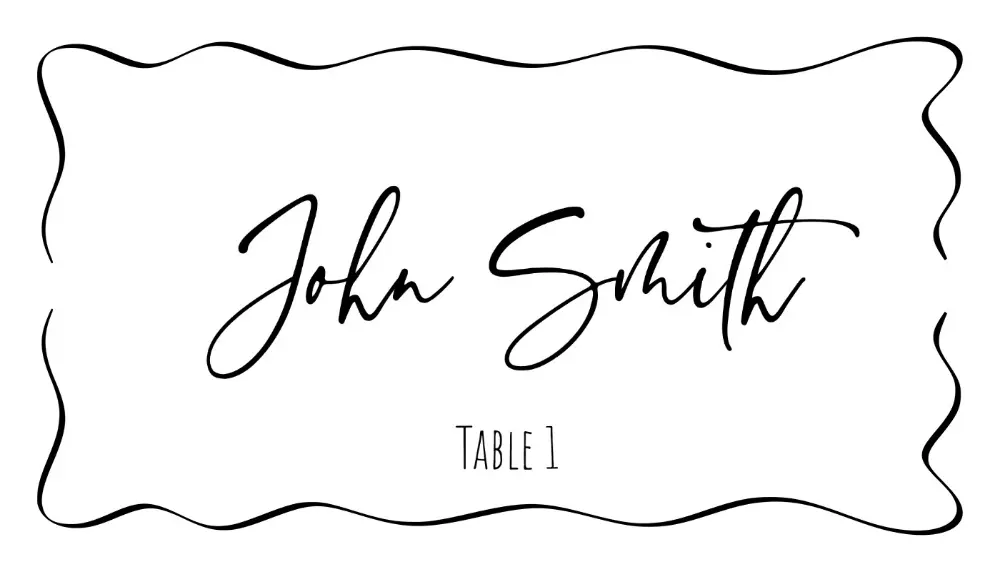
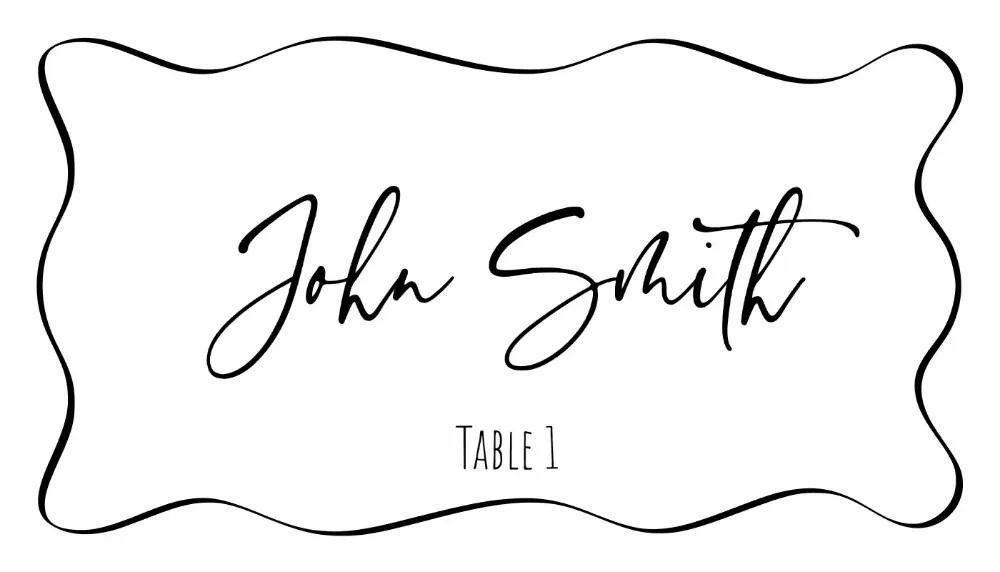
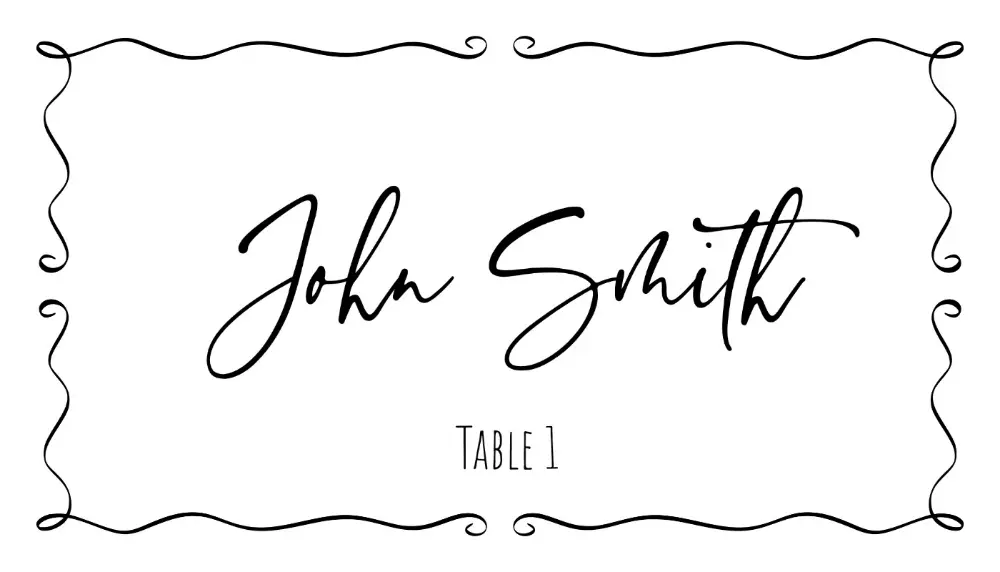
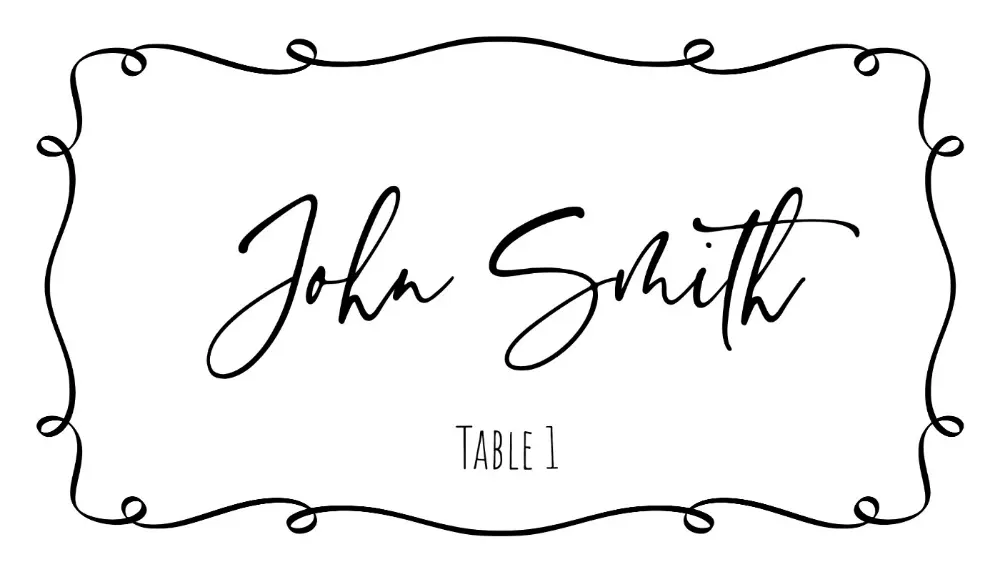
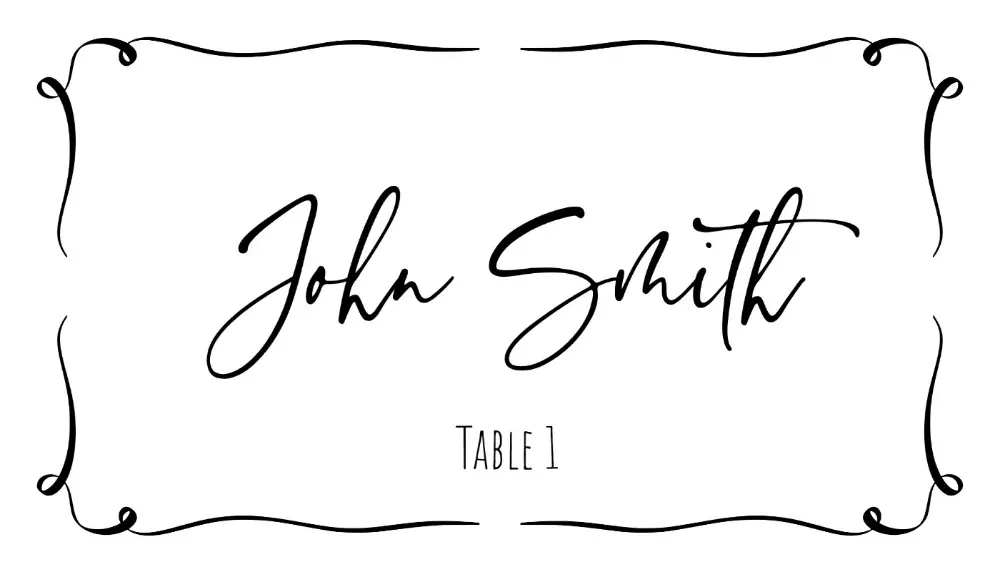
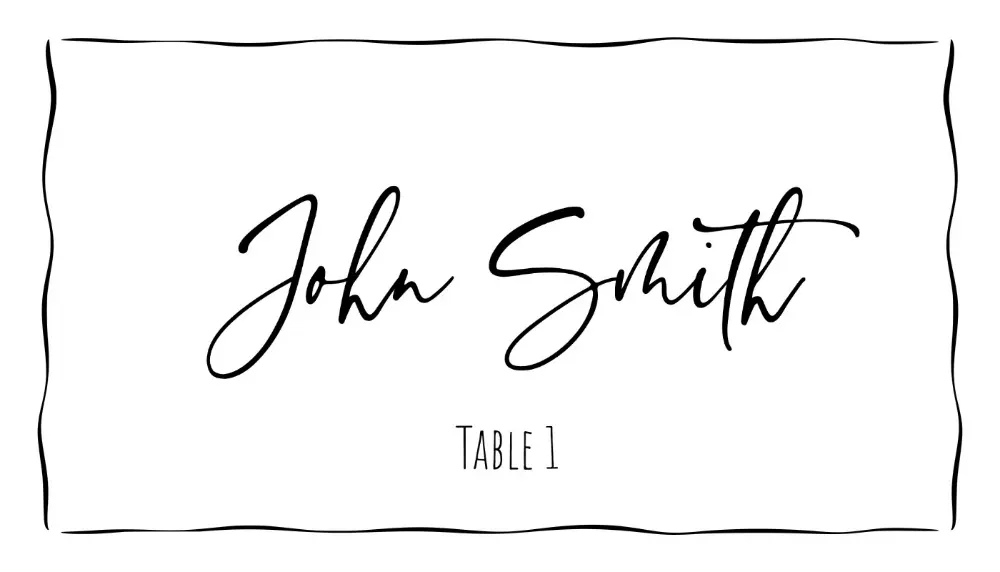
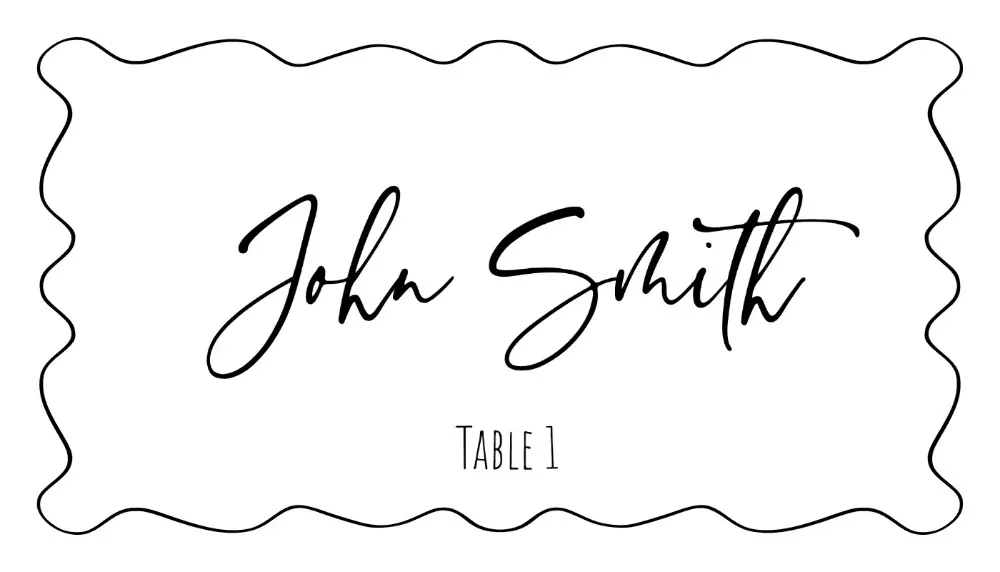
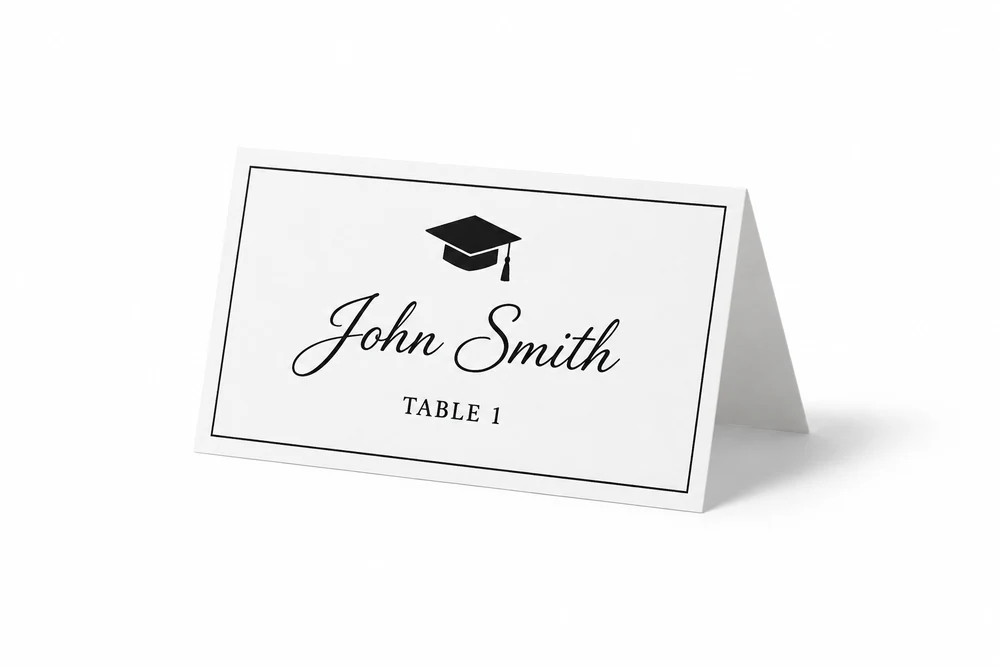
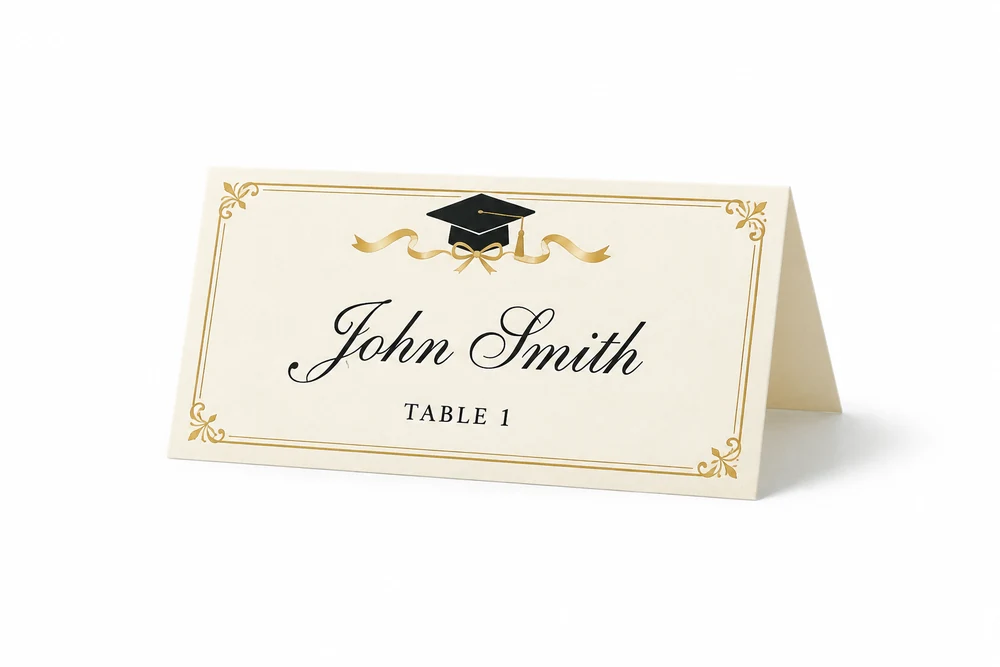
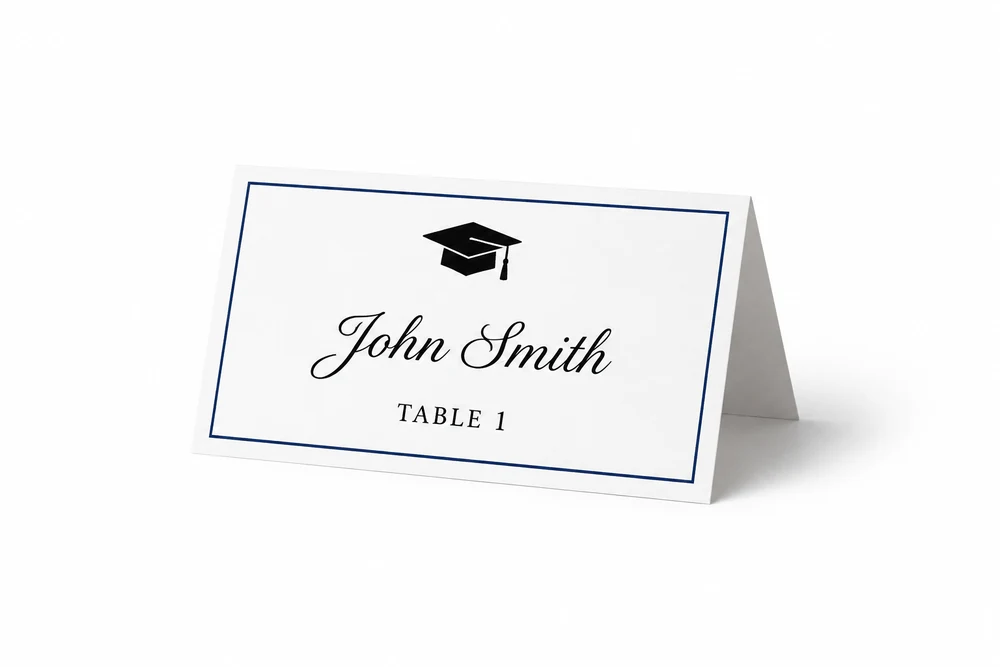
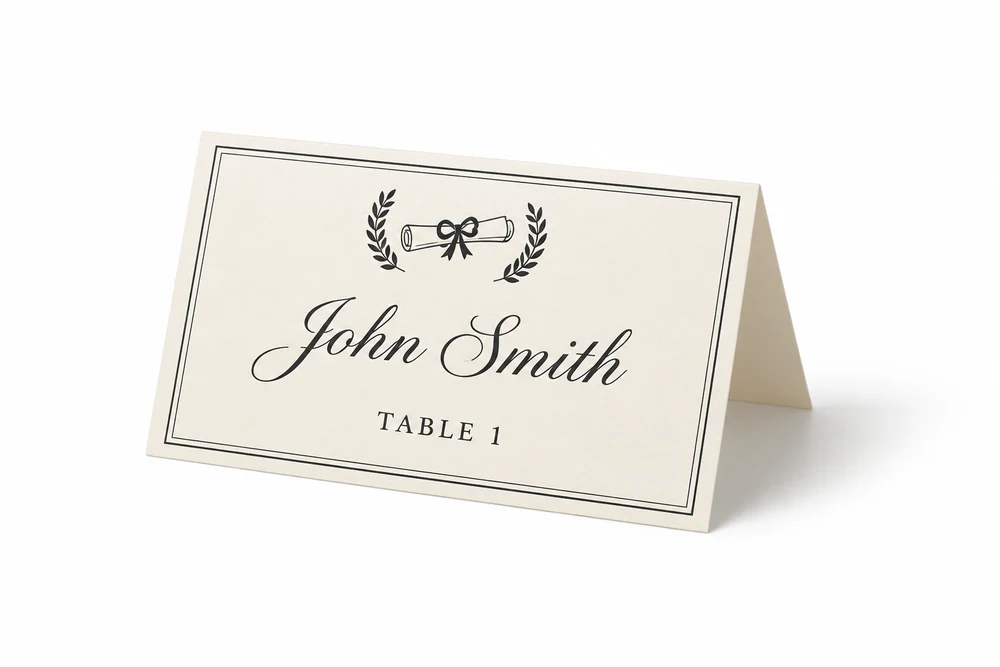
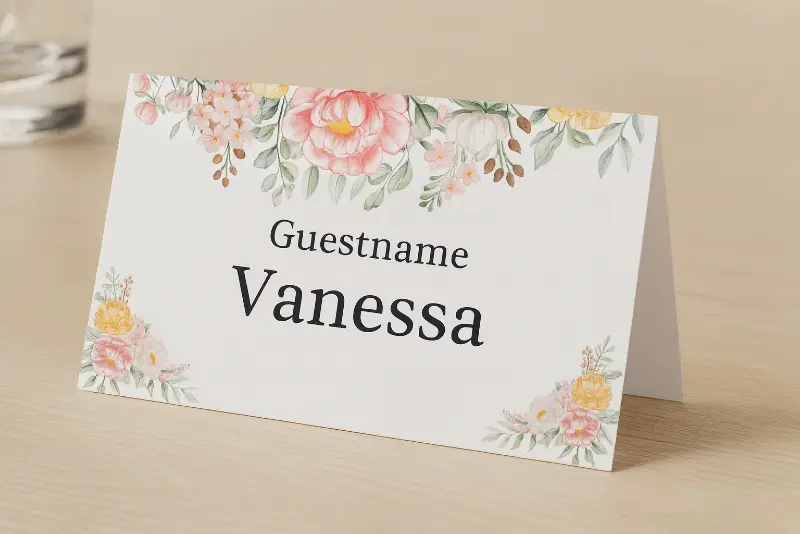
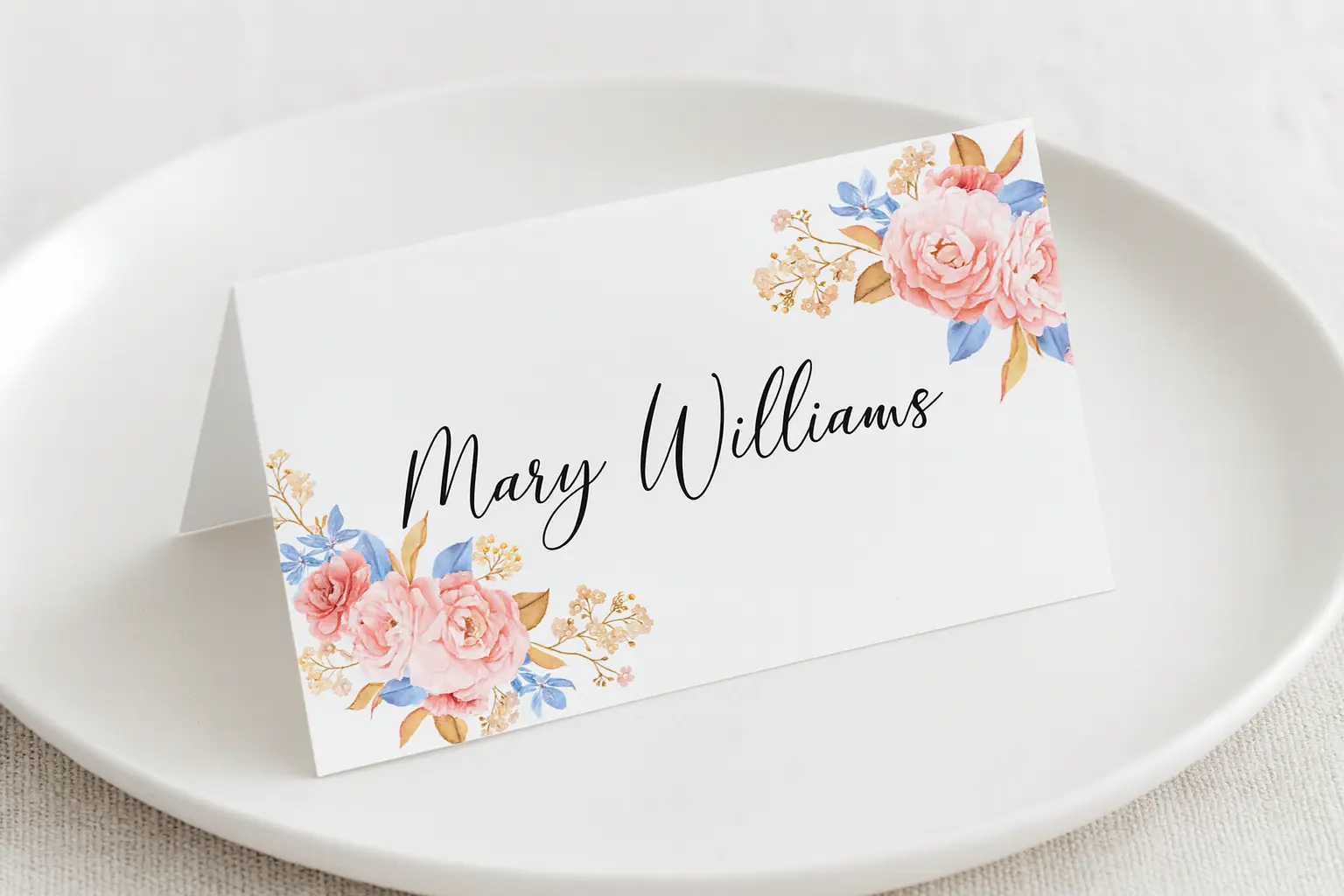
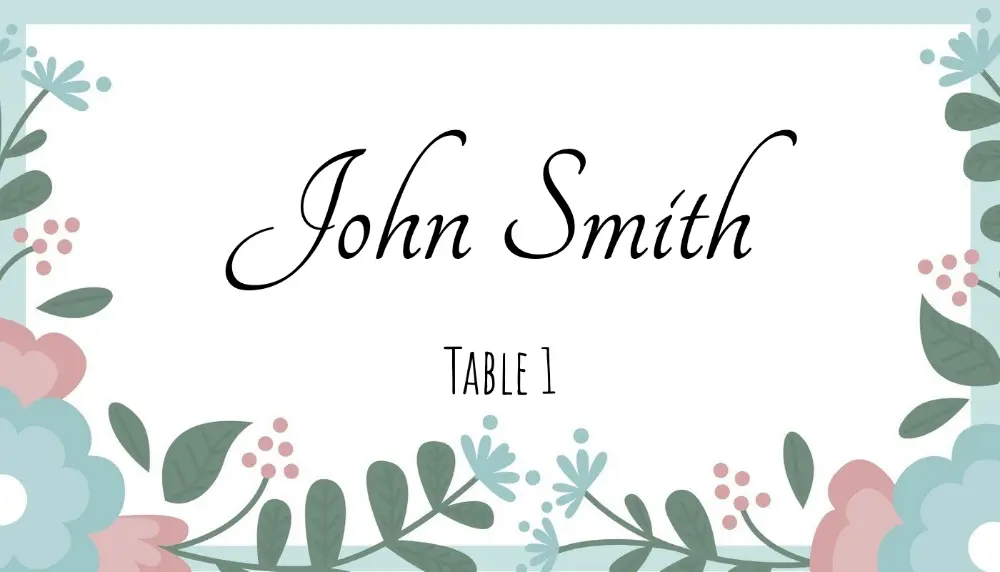
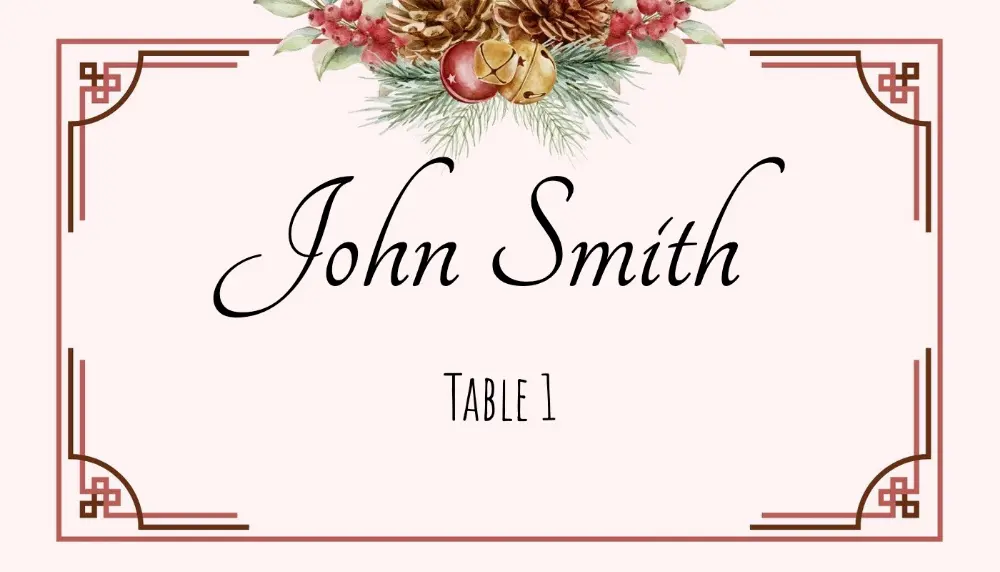
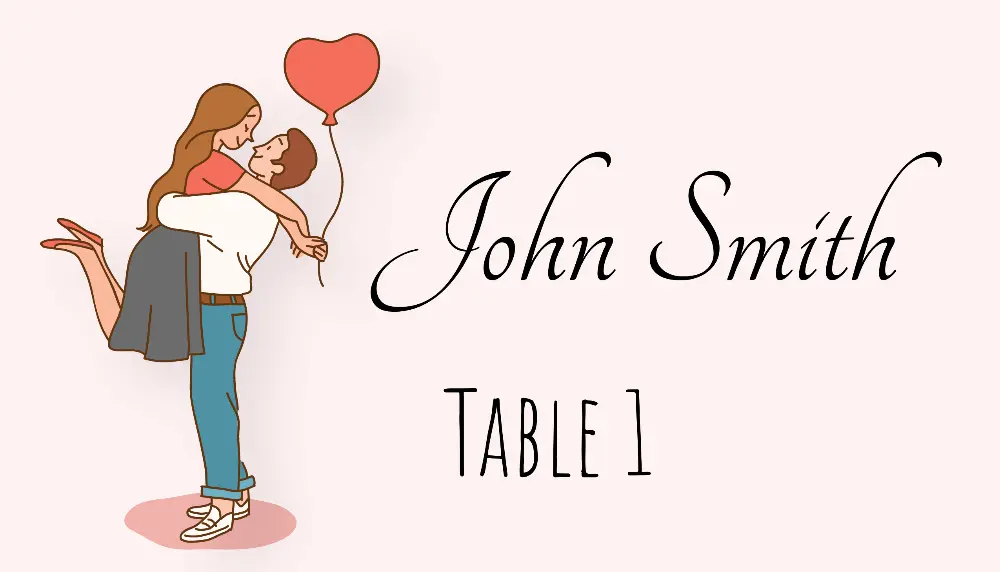
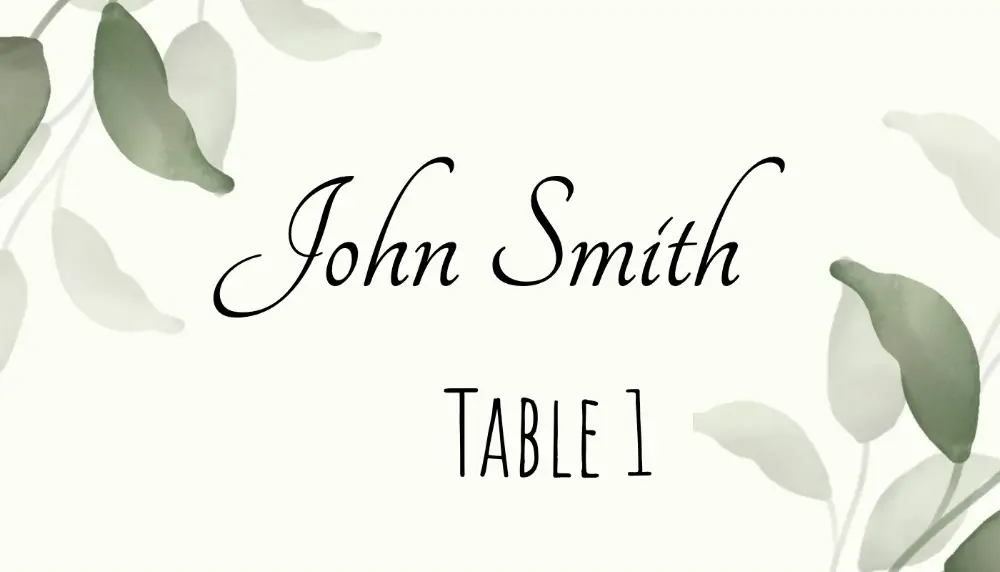
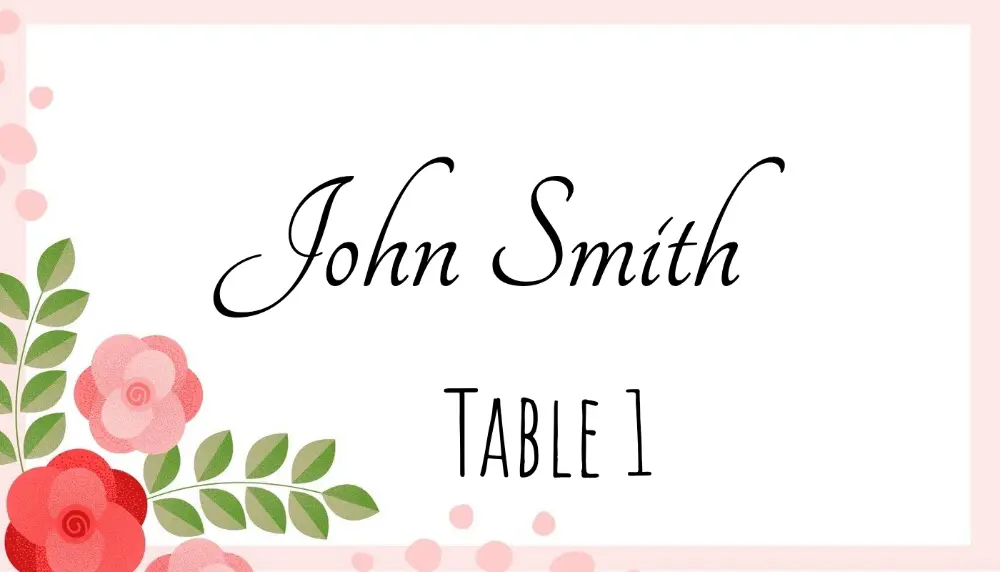
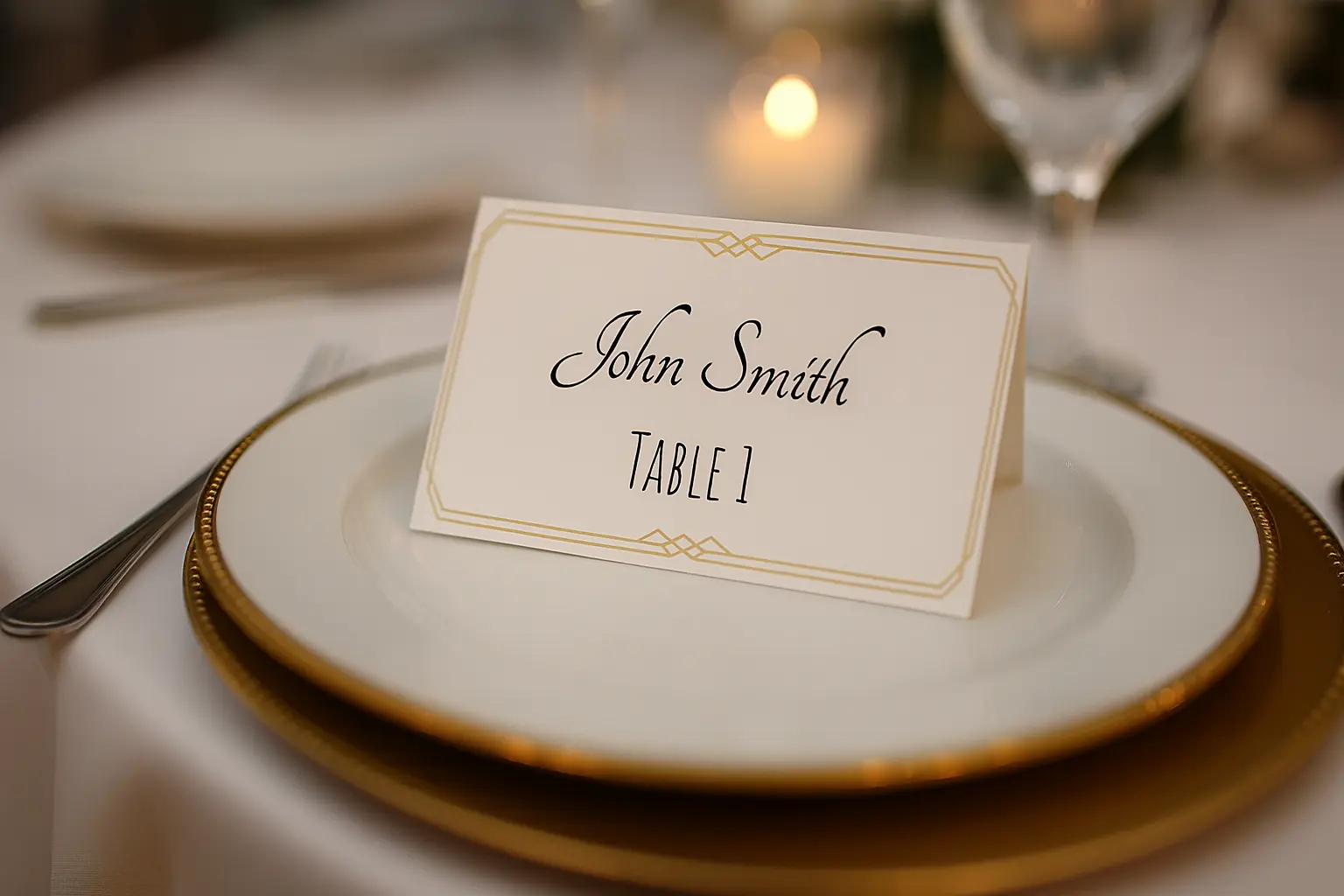
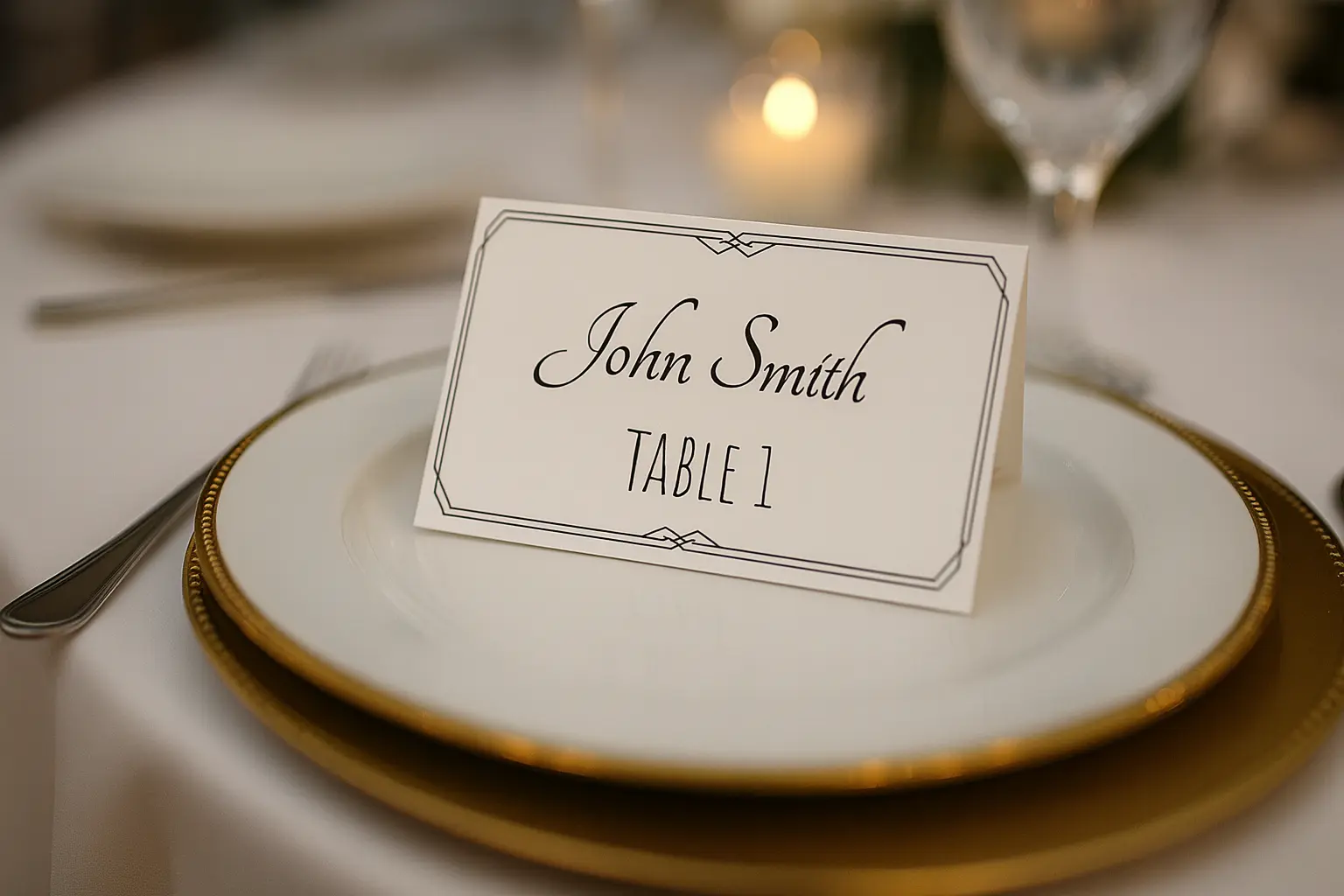
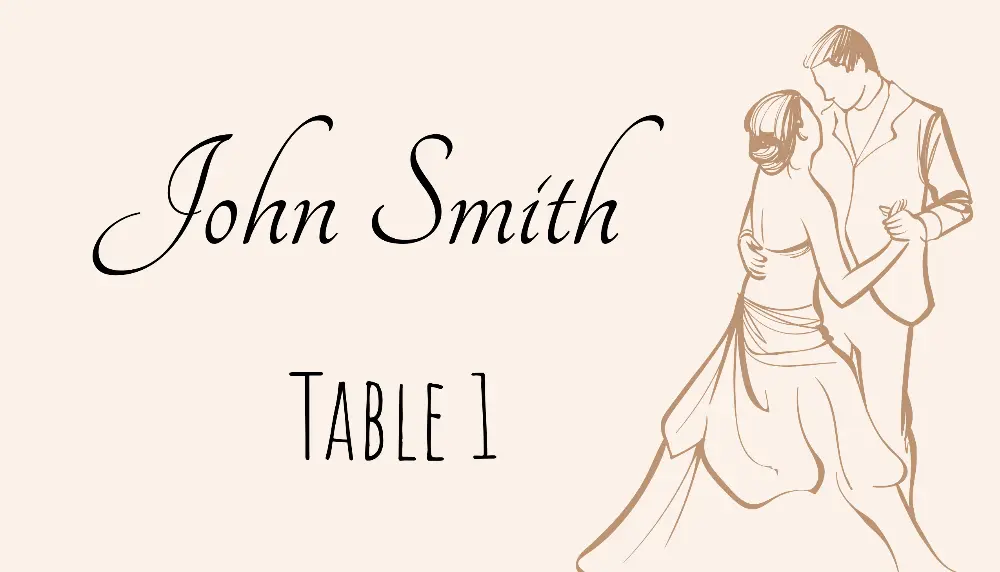
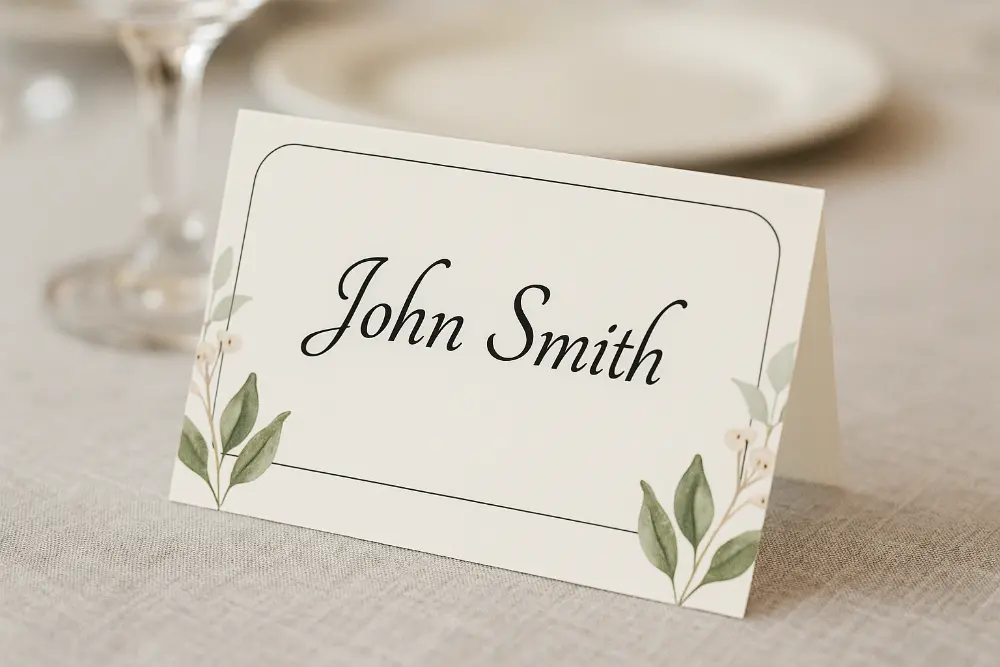
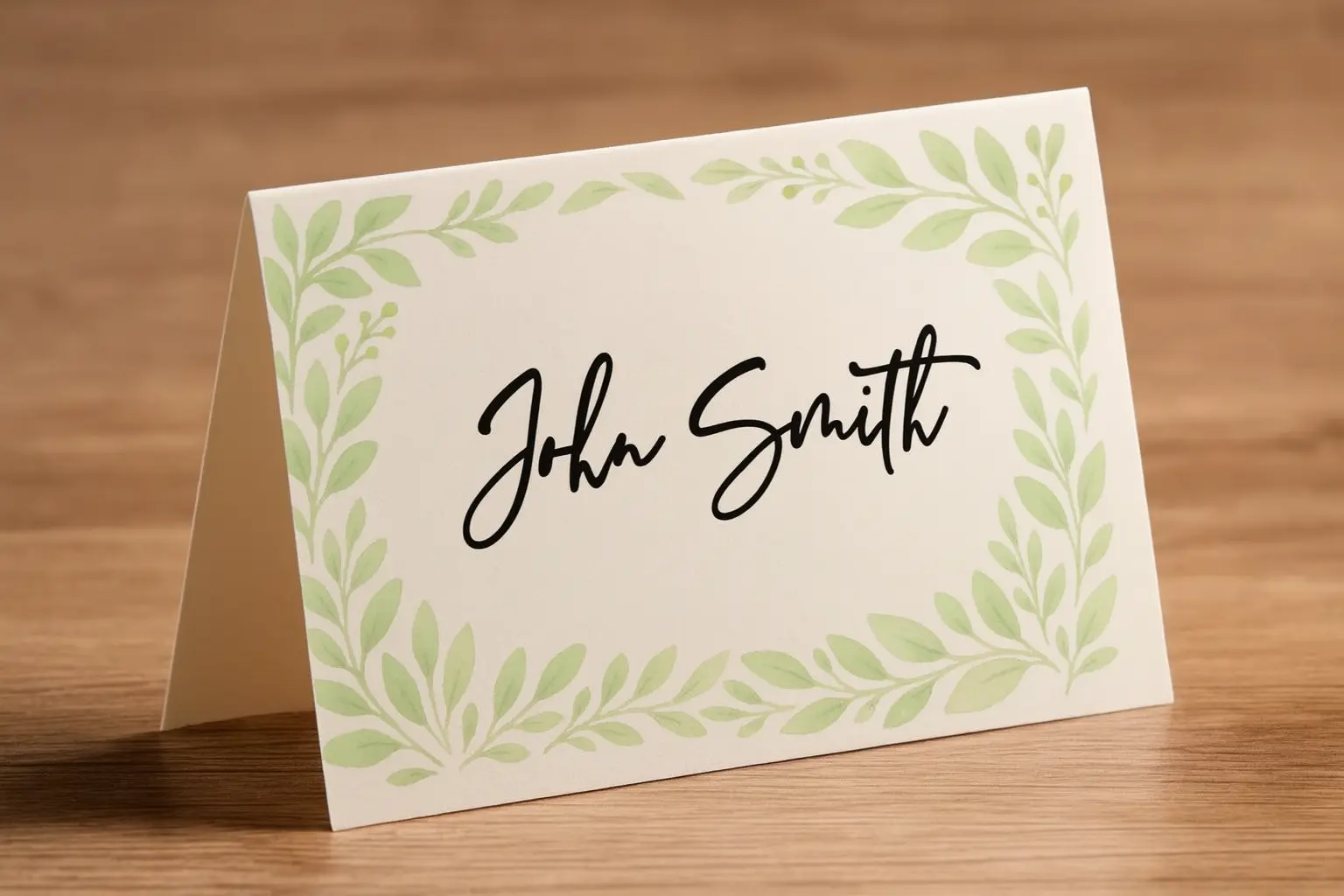
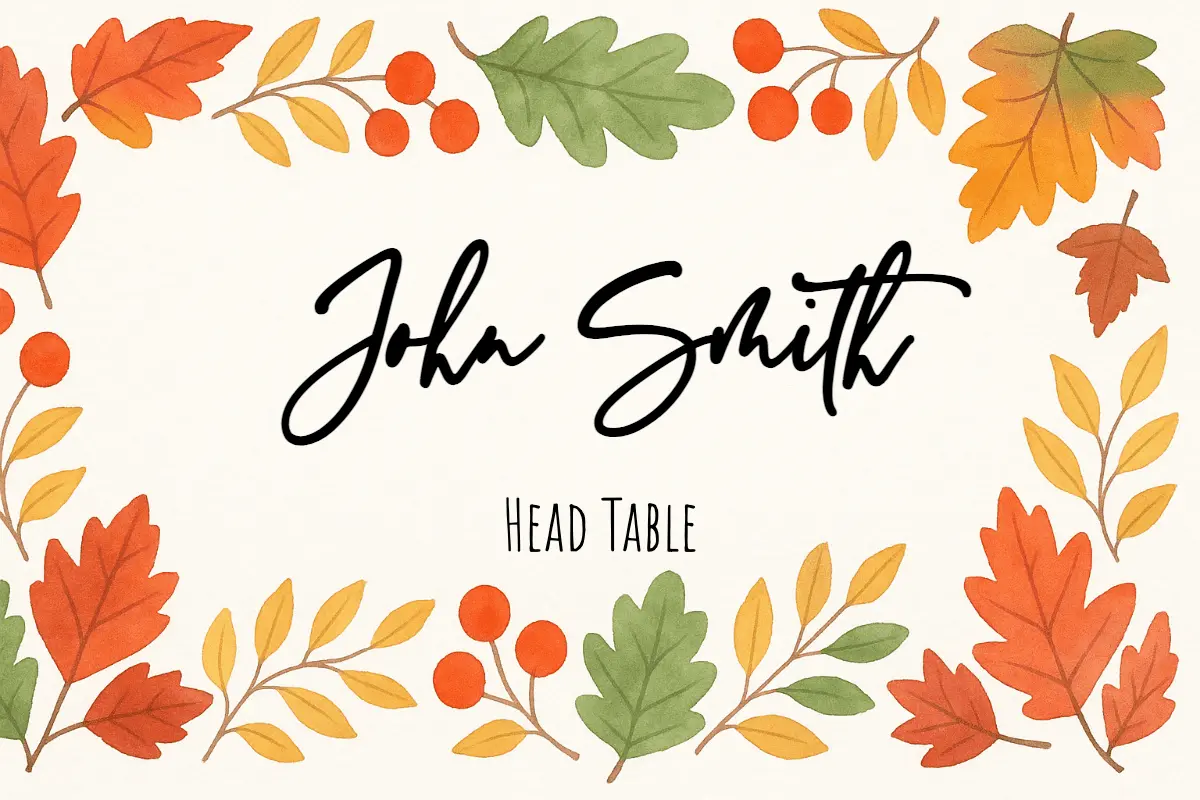
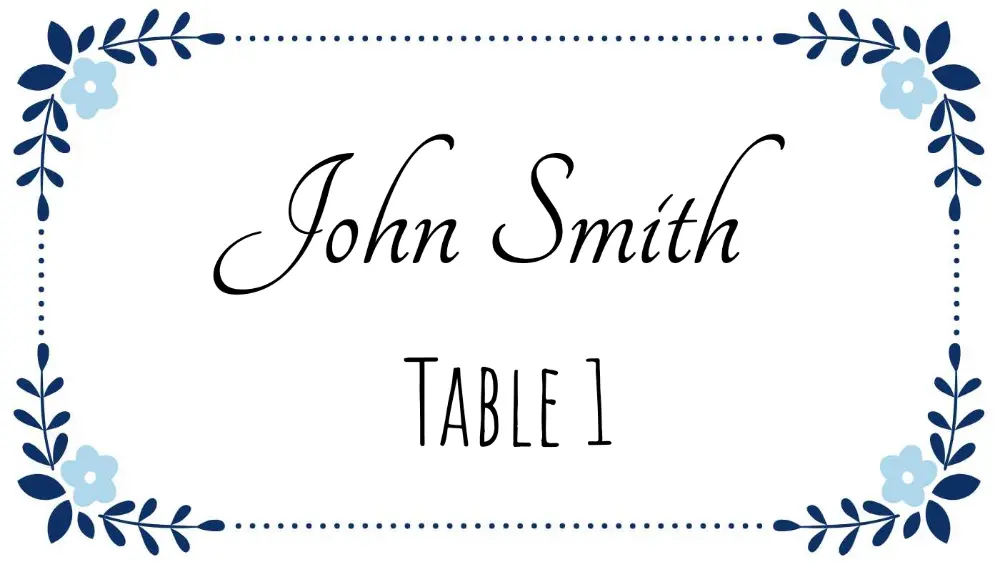
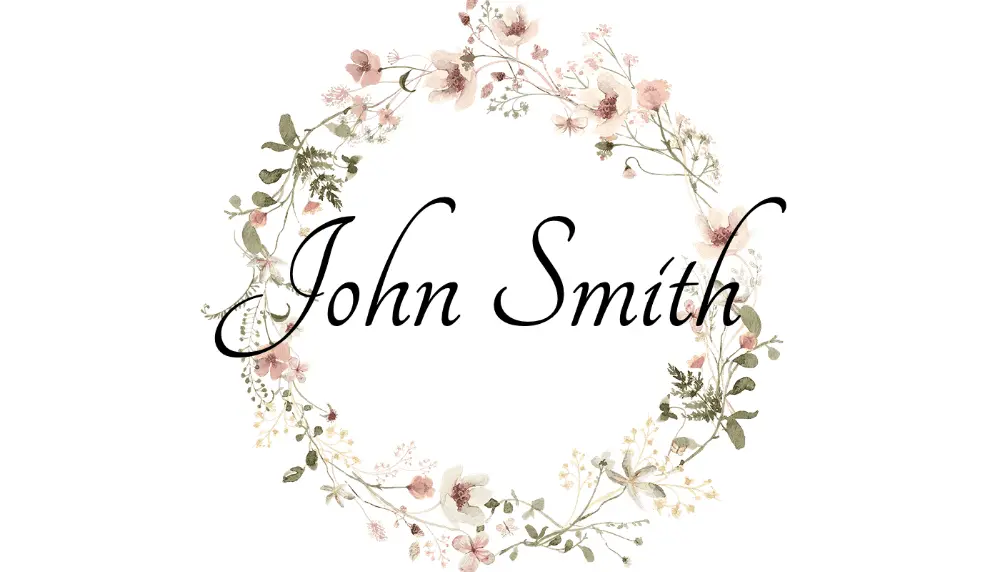
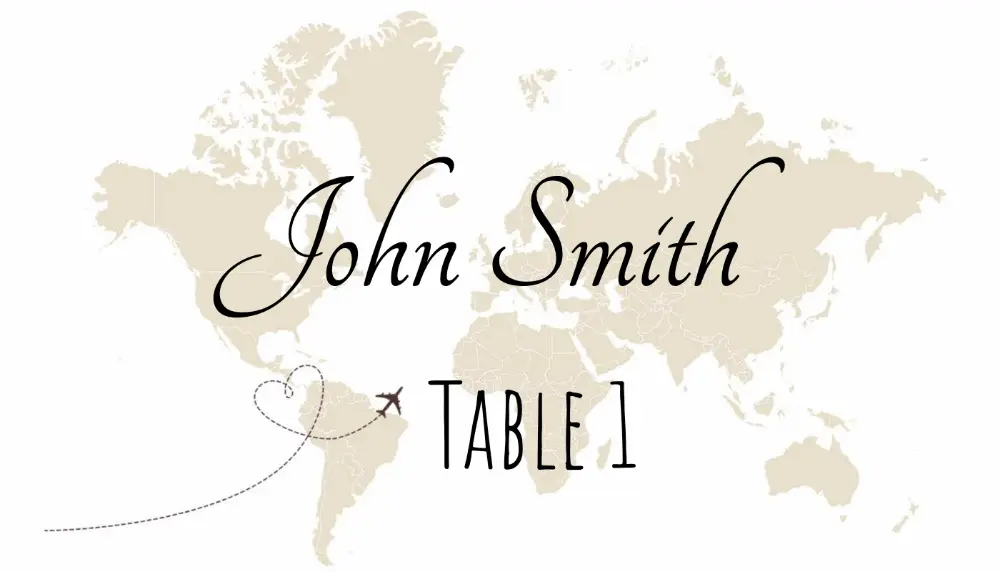
Tomme bordkort-PDF'er
Stabile PDF'er til print i 100 % skala. Brug galleriet til dekorative designs eller importér gæstenavne online.
Print i 100 %
Vælg faktisk størrelse, så kortene beholder målene.
Brug karton
Test på almindeligt papir, print derefter på karton.
Mange navne?
Importér regneark i online-editoren og eksportér PDF.
Foretrækker Word?
Se Word-guiden for faste tabeller og fletning.
Popular Printable Place Card Templates
Open a template detail page for exact dimensions, a matching PDF download, Word setup notes, and print instructions.
Meal Choice Place Cards
Guest name, table assignment, and meal selection for catered events.
3×2 Name Place Cards
A name-first flat layout for weddings, dinners, and card holders.
2×3 Minimal Place Cards
A compact minimalist template with orientation and sizing guidance.
4×2 Place Cards
A wider card for long names, titles, table numbers, and borders.
Pure White 3×2 Cards
A clean low-ink layout for typography, handwriting, or stamps.
Wedding place card templates
Wedding place cards often need guest names, table numbers, meal choices, or matching escort-card designs. Filter the gallery by wedding style, or start with reception-focused templates.
Guest names
Keep the guest name large and readable at a real reception table.
Table numbers
Add table assignments when the card helps guests find the right seat.
Meal choices
Show meal text or icons for plated dinners and catering workflows.
Consistent print layout
Use one template for the full guest list so every card prints at the same size.
Jule- og højtids-bordkort
Julefrokost og nytårsaften: sæsondesigns, tom PDF eller online tilpasning.
Seasonal designs
Browse Christmas, holly, stocking, and winter-themed templates in the gallery.
Low-ink blank option
Print a blank 3×2 PDF and add handwritten names or stamps.
Spreadsheet guest lists
Import names from Excel or Google Sheets when the guest list is long.
Word setup available
Use the Microsoft Word guide if you prefer a document-first workflow.
Choose a design, then pick your workflow
Compare templates here first. After choosing a design, download a blank PDF, follow the Word setup guide, or import a guest list in the online maker.
Blank PDF downloads
Print-stable PDFs for 3×2, 4×2, 6-up, tent-fold, and meal-choice layouts.
Microsoft Word instructions
Build fixed table cells, tent cards, or mail merge documents with the Word-specific setup guide.
Online maker for guest lists
Import Excel, CSV, or Google Sheets when every card needs a different typed name.
How to print place card templates
Før fuld print: bekræft størrelse, papir, ark-layout og skalering.
Print at 100% scale
Avoid fit-to-page settings because they can shrink the card and move cut lines.
Test one sheet first
Print a single page, check the alignment, then print the full guest list.
Use cardstock
Folded tent cards need cardstock so they stand cleanly on the table.
Match the template to the paper
Avery sheets, 6-up layouts, and custom cardstock all need different margins.
Tilpas hele gæstelisten efter valg af skabelon
Importér Excel eller Google Sheets i online bordkort-editoren og eksportér én PDF.
Ofte stillede spørgsmål om bordkort
Korte svar, før du vælger skabelon eller printer hele gæstelisten.
Præcise mål? Start med størrelsesguiden.
Har du stadig spørgsmål?
Hvis du ikke kunne finde det svar, du leder efter, er du velkommen til at spørge os!