
The "6 per sheet" format is one of the most practical sizes for printable place cards. Six cards fit on a standard letter-size sheet (8.5" × 11"), each card measuring 3.5" × 2". That layout is widely used on printable card stock, so you can print a full guest list without manually placing every card one by one.
If you searched for 6 per sheet place cards, the short answer is: use a 3 × 2 layout on Letter paper, keep printing at 100% scale, and import your guest list so you can generate the full batch in one PDF instead of typing names one by one.
Here are 10 free templates, plus the print settings and spreadsheet workflow that matter most when you want a fast path from guest list to table-ready cards.
Quick Answer: What Does "6 Per Sheet" Mean?
6 per sheet means six finished place cards on one US Letter sheet. In the most common setup, each card is 3.5" × 2" and arranged in a 3 × 2 grid.
This format is best when you want:
- flat place cards for weddings, dinners, or corporate events
- efficient home printing on standard card stock
- a spreadsheet workflow that fills every card automatically
If you want a verified foldable tent-card stock instead, compare it with Avery 5302 place card templates.
6 Per Sheet vs Avery 5302
These two formats are often confused, but they are not the same print layout.
| Format | Typical finished card size | Cards per sheet | Best use |
|---|---|---|---|
| Generic 6 per sheet | 3.5" × 2" flat | 6 | Fast home printing, flat cards, printable 6-up stock |
| Avery 5302 | 3.5" × 2" folded | 4 | Verified tent cards, pre-scored Avery sheets |
Choose 6 per sheet when you want paper efficiency and a common flat-card layout. Choose Avery 5302 when you want a branded, foldable tent-card format with a verified sheet layout.
Open the place card maker for 6-up layouts →
Why 6 Per Sheet Is the Go-To Format
- Standard sizing: 3.5" × 2" per card — easy to write on, easy to read
- Fast batch printing: One letter-size sheet gives you six cards at a time
- Paper efficiency: No wasted cardstock on a standard letter sheet
- Widely compatible: Works with virtually any home printer
- Fits tent card holders: Many table tent card holders are designed for this exact size
If you're ordering cardstock specifically, look for 3.5" × 2" 6-up printable card stock or other vendor sheets that explicitly match a 3-by-2 layout on US Letter paper. Always verify the finished card dimensions before a full print run.
The 10 Templates
1. Wedding Elegant
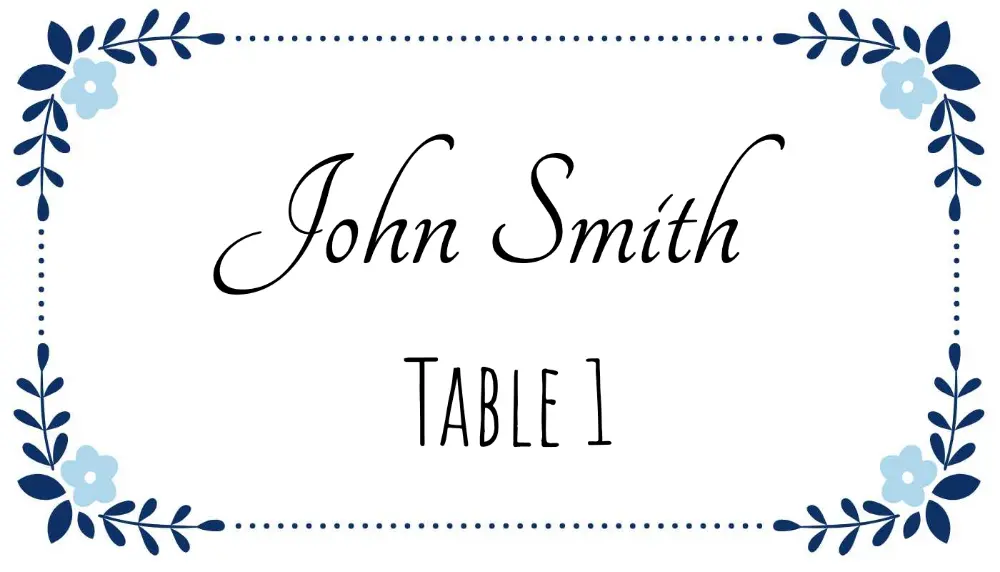
Classic gold lettering on ivory, with a delicate border that photographs beautifully. Ideal for formal weddings, black-tie receptions, or anniversary dinners. The restrained design complements floral centerpieces and candlelit settings without competing for attention.
Open Wedding Elegant template →
2. Simple Minimal Modern
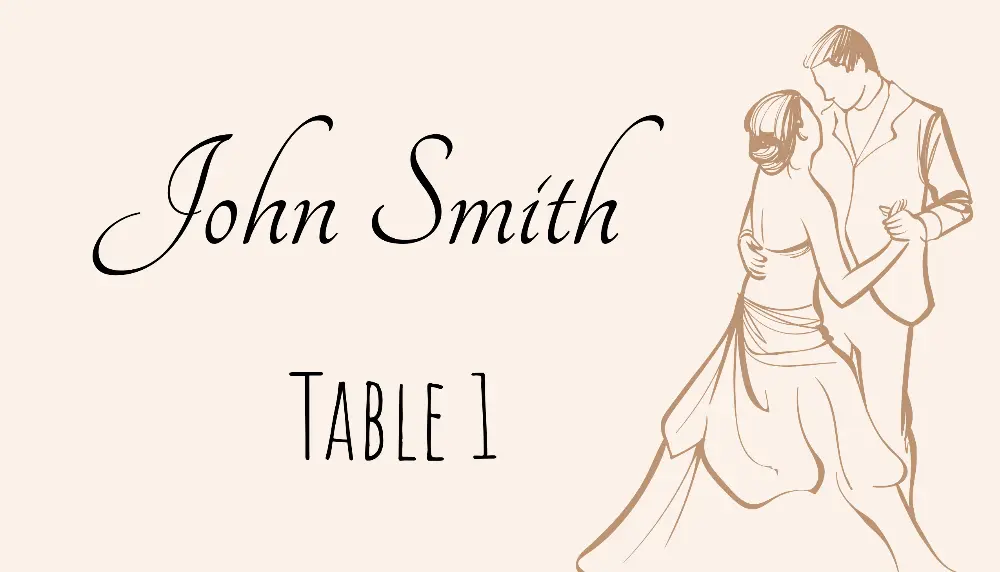
Clean white background, single sans-serif font, minimal decoration. If your event has a modern, Scandinavian, or neutral aesthetic, this template fits right in. Works equally well for weddings and corporate events.
Open Simple Minimal template →
3. Birthday Colorful
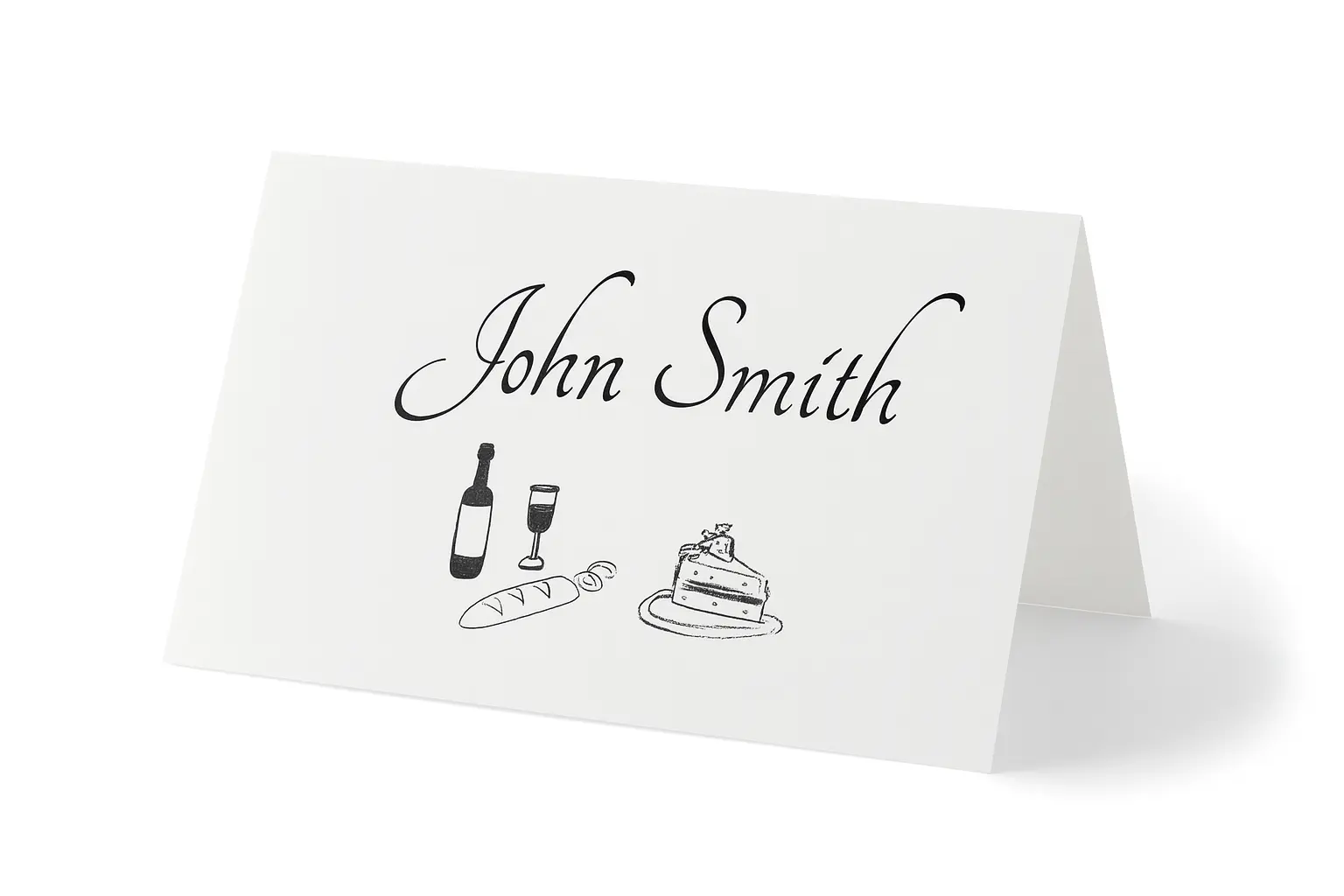
Balloons, bold colors, and a festive energy. This template works for milestone birthdays (30th, 40th, 50th), kids' parties, and any celebration where you want the table decor to feel lively. Easily customized to match party colors.
Open Birthday Colorful template →
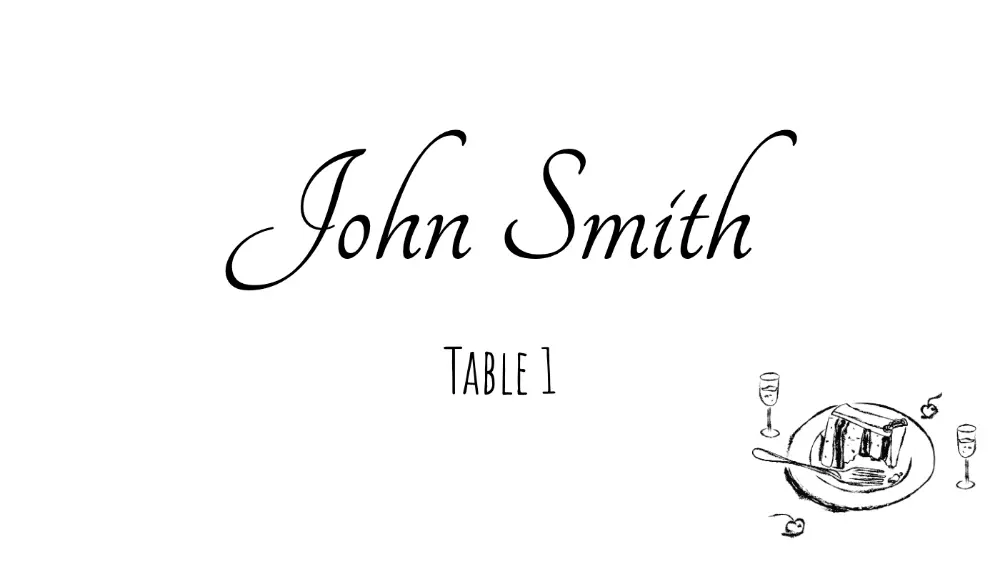
4. Formal Dinner Elegant
Deep navy or charcoal background with crisp white typography. Designed for formal dinners, state functions, award ceremonies, and gala events. The contrast makes guest names immediately readable at the table.
5. Christmas Holly Elegant
Rich red and green with a subtle holly motif. Perfect for Christmas dinners, holiday office parties, and New Year's Eve events. Sophisticated enough for adult gatherings while still feeling festive.
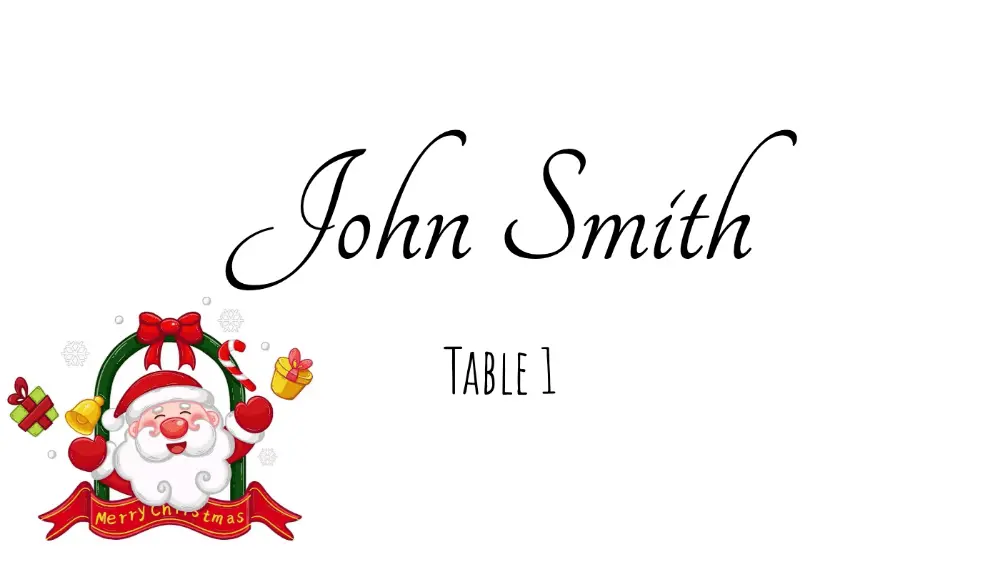
Open Christmas Holiday template →
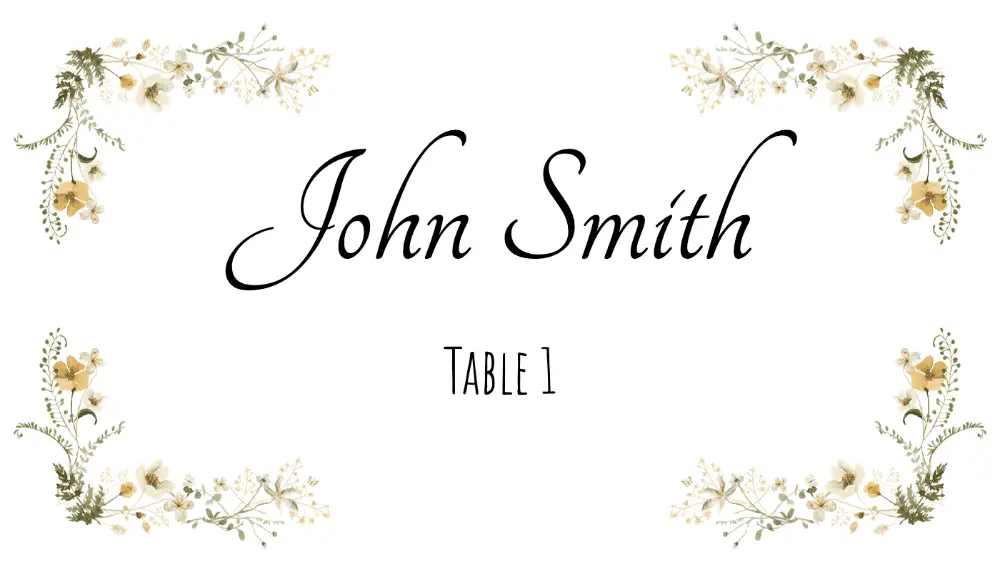
6. Floral Border Elegant
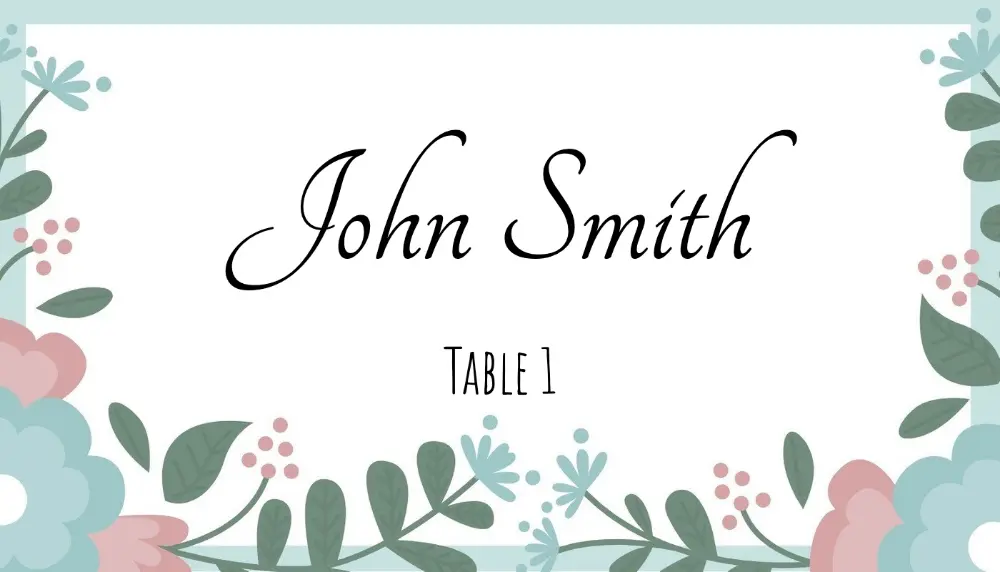
Soft watercolor-style florals frame the card edges, leaving the center clean for the guest name. Popular for garden weddings, bridal showers, spring luncheons, and Mother's Day events. Pairs well with fresh flower centerpieces.
7. Modern Geometric
Bold geometric shapes in contemporary colors. Ideal for corporate events, product launches, tech conferences, and modern weddings. Stands out from the sea of floral place cards.
Open Modern Geometric template →
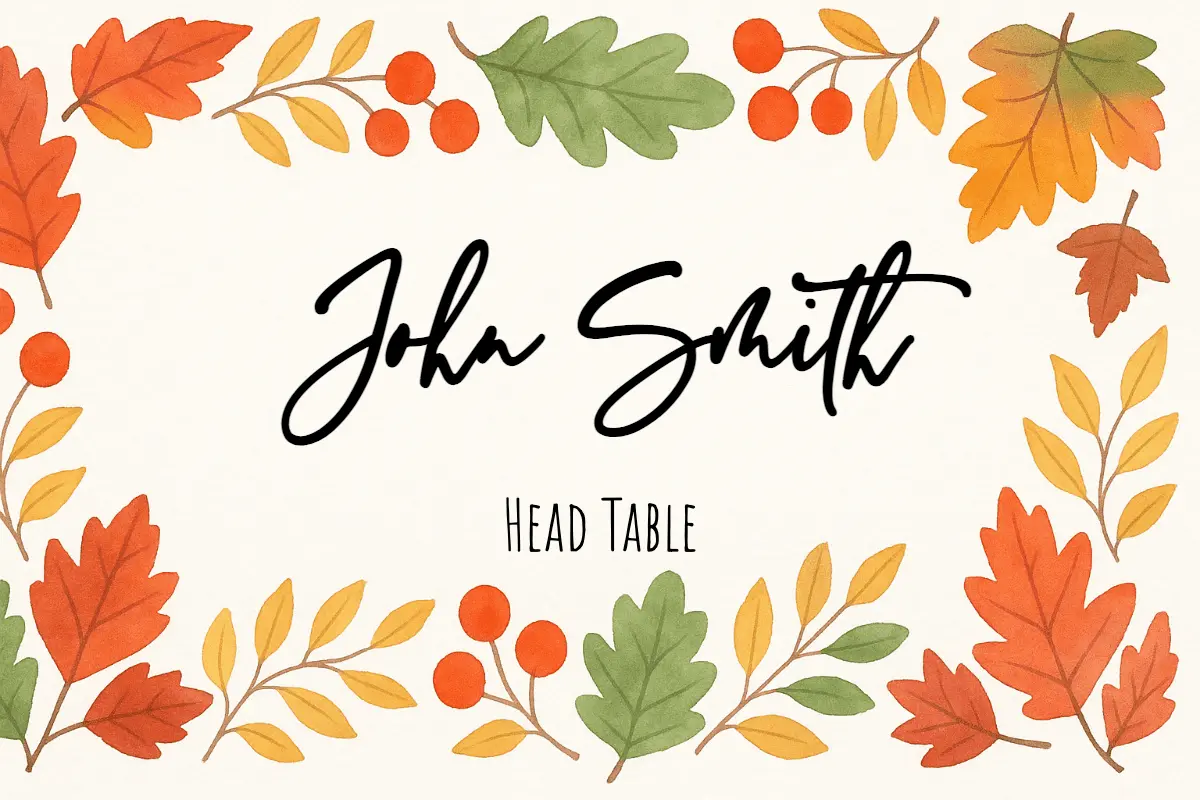
8. Watercolor Floral Delicate
Soft, painted watercolor flowers in blush and sage tones. This is one of the most popular styles for 2025 weddings. The delicate look works especially well on white or cream cardstock.
Open Watercolor Floral template →
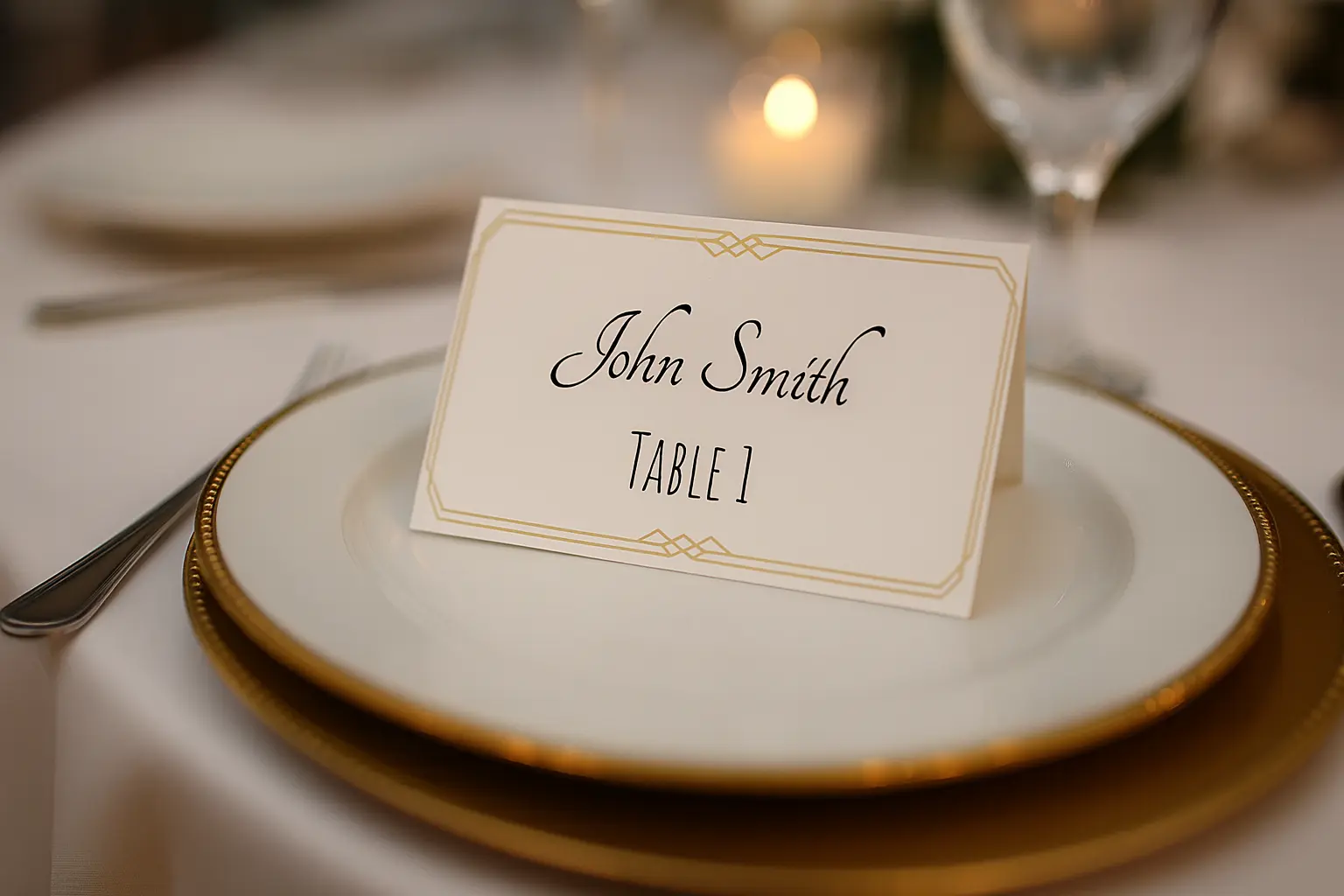
9. Gold Luxury
Metallic gold accents on white or black backgrounds give this template a premium feel. Works for upscale weddings, VIP events, corporate award dinners, and luxury brand experiences.
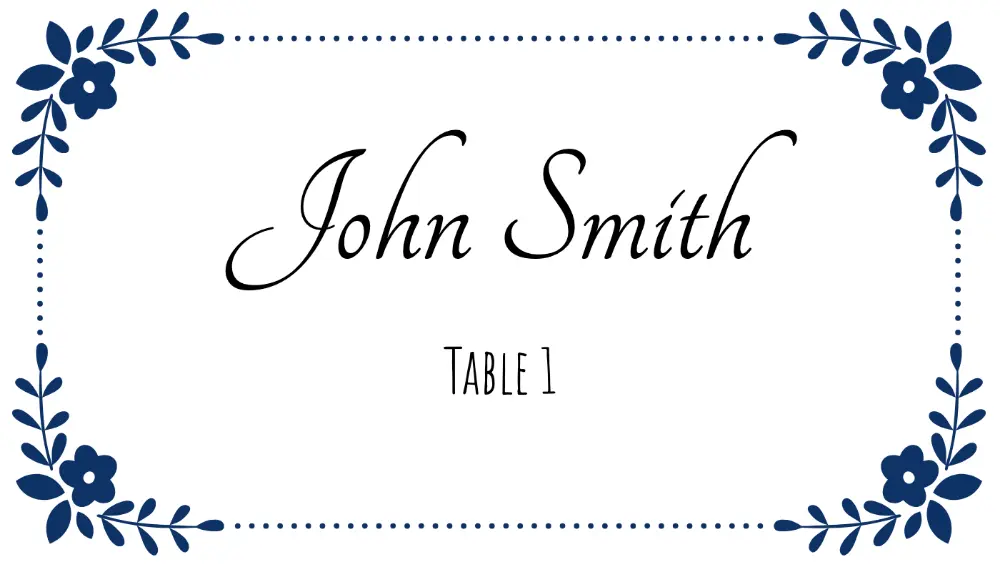
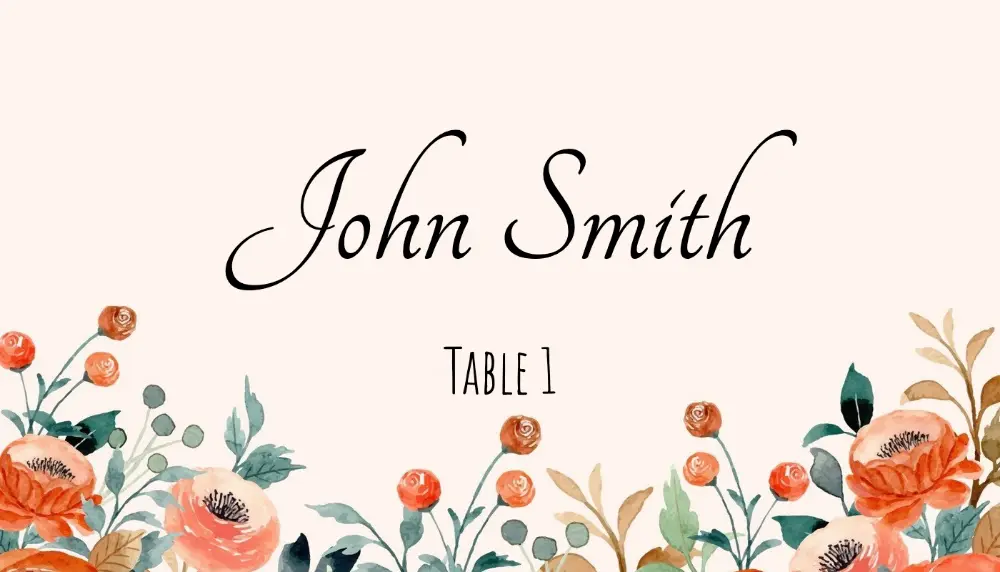
10. Classic Border
A timeless thin-border design that suits virtually any event. Clean, professional, and neutral — this template has been a staple for decades because it never goes out of style.
Open Classic Border template →
How to Print 6 Per Sheet
Paper & Cardstock Settings
- Paper size: Set to Letter (8.5" × 11")
- Orientation: Portrait
- Print quality: High (300 DPI or "Best" quality)
- Cardstock weight: 65–80 lb cardstock for flat cards; 90–100 lb for tent-fold cards that need to stand up
Printer Settings to Check
- Margins: None / Borderless (or set to 0 on all sides if your design has a background color)
- Scale: 100% / Actual size — never "fit to page" as this will shrink the cards and misalign Avery sheets
- Paper tray: Use the manual/straight-through tray for cardstock to avoid jamming
Using 6-Up Printable Card Stock
If your paper is pre-scored or perforated for 3.5" × 2" cards, after printing:
- Score along the perforations with a bone folder if needed
- Fold or tear apart along the pre-cut lines
- No cutting required
Test Print First
Always print a test page on plain copy paper before loading your cardstock. Hold the printed test sheet over your final stock and hold both up to a light — the text should align perfectly with the perforations or cut lines.
Adding Your Guest List: Skip the Manual Typing
The fastest way to fill in all these templates is to import your guest list rather than typing each name individually. If you have guests in a spreadsheet (Excel, Google Sheets, or CSV), you can upload it directly in the Place Card Maker.
Here's how:
- Open any template above in the Place Card Maker
- Click Import Data or go to /import-data
- Upload your spreadsheet or paste your guest names
- The tool generates one card per guest automatically
- Download the complete PDF — all guests, all cards, ready to print
For a wedding with 120 guests, this turns a repetitive manual task into a short spreadsheet workflow.
Customizing the Templates
Every template in the Place Card Maker is fully editable:
- Fonts: Choose from dozens of Google Fonts — mix script and serif for an elegant look
- Colors: Click any element to change its color — match your event's color palette exactly
- Table numbers: Add a table number field from your spreadsheet if you have assigned seating
- Meal indicators: Add a dietary icon or abbreviation (V for vegetarian, GF for gluten-free) using a second column in your spreadsheet
- Size: Adjust the card dimensions if you're not using the standard 3.5" × 2" format
Ready to Print?
Pick the template that fits your event from the list above, customize it in minutes, and import your guest list to generate a complete PDF. No design software, no manual typing for every guest, no alignment headaches.
Read the place card sizes guide → | Open the place card maker →
FAQ: 6 Per Sheet Place Cards
What size are 6 per sheet place cards?
The most common size is 3.5" × 2" per card on Letter paper in a 3 × 2 layout. Always verify vendor dimensions before printing a full batch.
Can I print 6 per sheet place cards in Word?
Yes, but Word is slower for larger guest lists because you usually have to type or paste names manually. If you already have your guests in a spreadsheet, Place Card Maker is faster because it generates every card automatically.
Is 6 per sheet the same as Avery 5302?
No. 6 per sheet is usually a generic flat-card layout, while Avery 5302 is a verified folded tent-card product with 4 cards per sheet.
What is the fastest way to make 6 per sheet place cards?
Start with a spreadsheet that includes Guest Name and any optional fields like Table or Meal Choice, then import it into Place Card Maker and export one print-ready PDF for the whole guest list.